My profile – editing the user profile
Zaktualizowano 2026-07-03
Edit mode
To enable the editing mode of data listed in the MY PROFILE module, find the EDIT button located in the lower right corner:
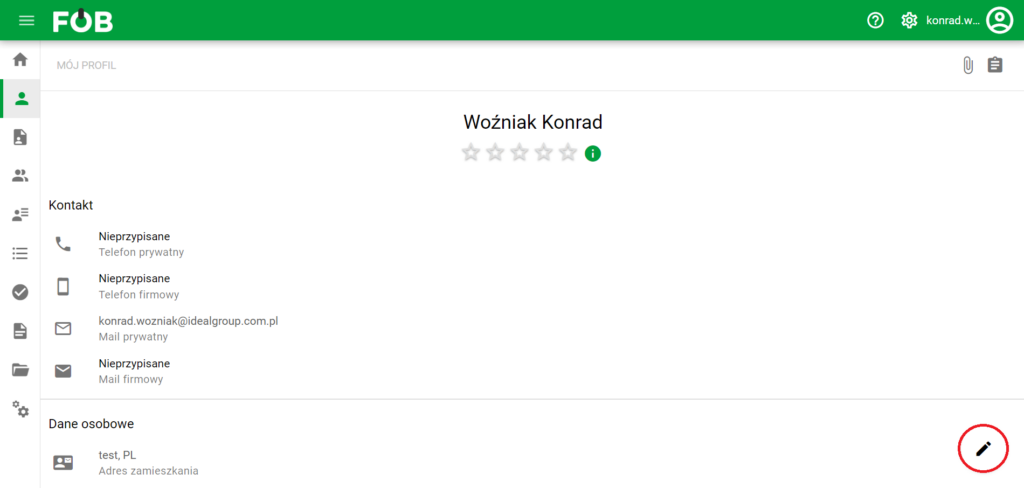
Edit button
Thanks to this, each record will gain its own button, which, when clicked, will open the assigned edit window:
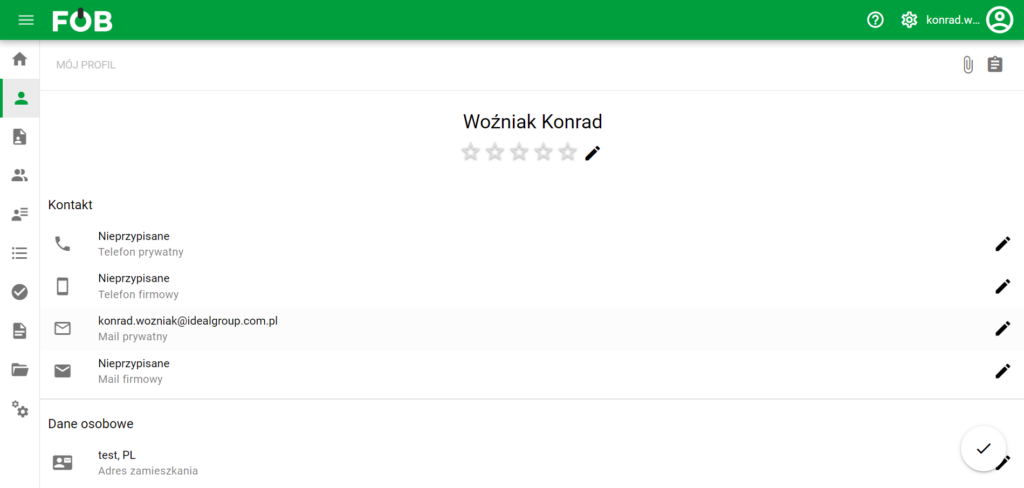
Edit window
Below is an example editing form:
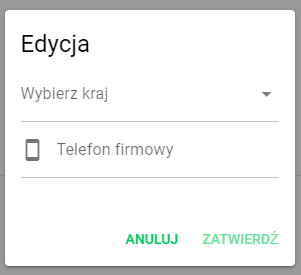
Edit form
! Important!
To finally save all changes made, confirm them by pressing the BIRD button located in the lower right corner:
Change acceptance button
Assigned projects
To open the assigned projects window, click the button in the upper right corner:

Projects button
This window looks like this:
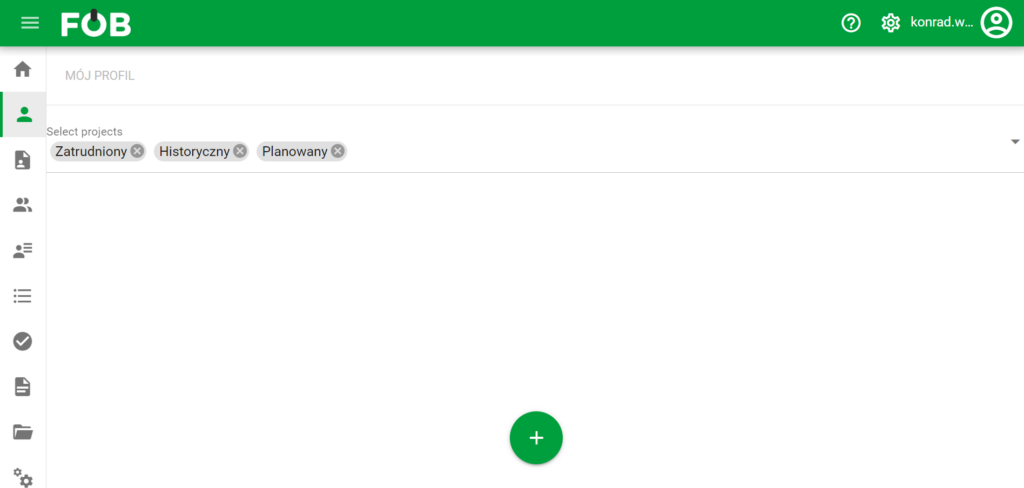
Projects window
It includes:
- Top left corner: menu for selecting assigned projects, which we activate by clicking.
- Bottom: Add new project button, opening the following form:
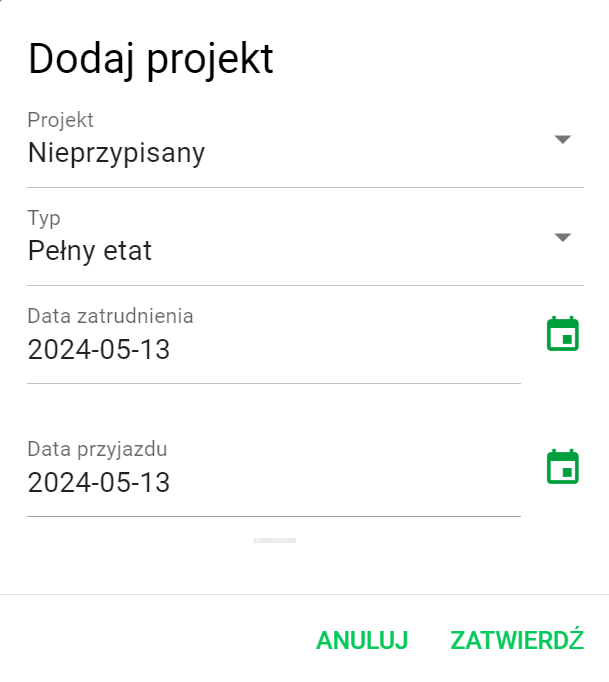
Project adding form