How to log in to the eFOB application
Logging in to the eFOB application is a process in which you can choose from several authorization options. It is done using Google, Microsoft or a standard eFOB account. Follow the steps below to access the app.
Before logging in, you can change the interface language using the selector available on the login screen.
Forms available before sign-in, such as account activation, password reset and password setup, use CAPTCHA verification in the background. It usually does not require any additional action. If verification fails, the form will not be submitted and the application will ask the user to try again.
Login with your eFOB account
- Enter your username eFOB in the “Username” field.
- Enter your password in the PASSWORD field.
- Click the green LOG IN button to access your account.
If two-step verification is active for the account, after entering the correct login and password the system will ask for a code from the authenticator app.
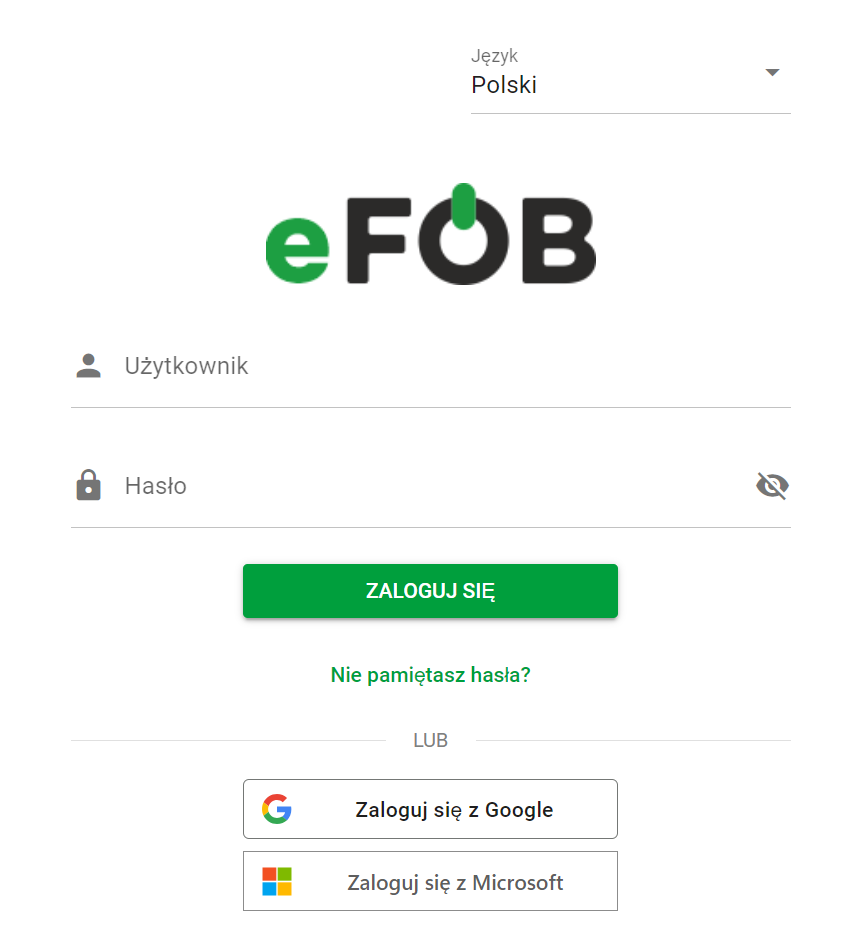
eFOB login screen
Login with Google
- Click the “Sign in with Google” button.
- You will be redirected to the Google login page. Enter your Google account details and authorize access for the eFOB application.
- After authentication, you will be redirected back to the eFOB application.
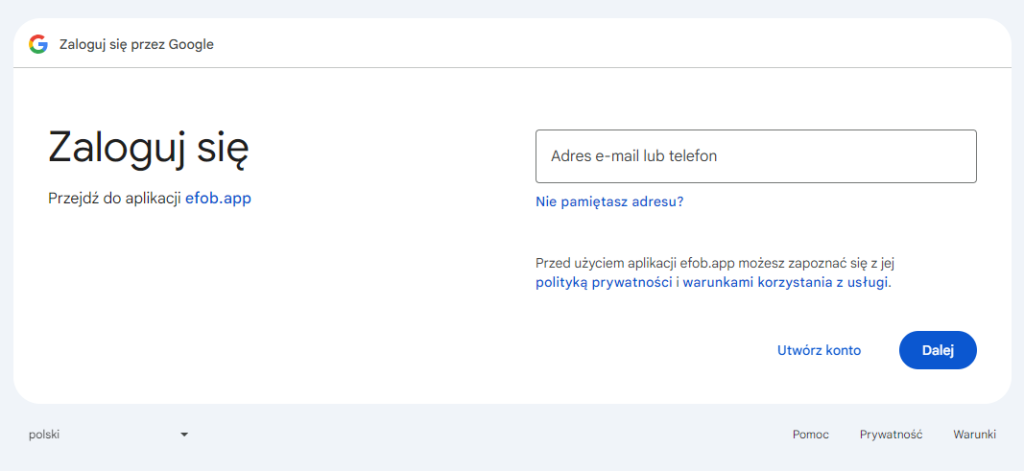
Google Login Screen
Login with Microsoft
- Click the “Sign in with Microsoft” button.
- You will be redirected to the Microsoft login page. Enter your Microsoft account details and authorize access for the eFOB application.
- After authentication, you will be redirected back to the eFOB application.
If Microsoft login fails or the account is linked to another login method, the application will display a message and let you return to the login screen or try again. In this situation, it is worth checking whether the administrator assigned the correct login method to the user.
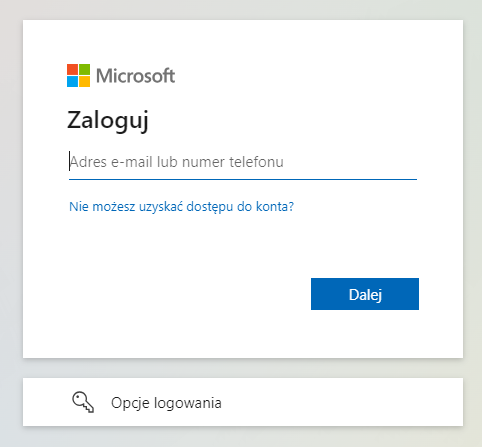
Microsoft Login Screen
Set login method
With administrative rights, the user can enter the administration panel to set login options for a specific account. To do this, select the item:
Users button
Then select the relevant user from the list or create a new one, and finally go to the LOGIN tab:
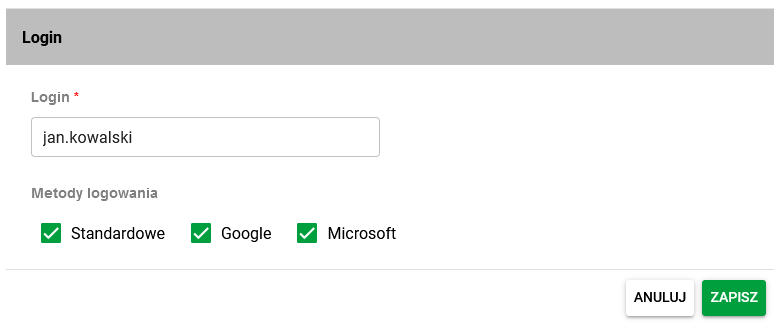
Login methods
The methods available to the user depend on the organization settings. The administrator can define which login methods are default and which can be assigned to specific users. More information is available in the "eFOB admin" settings article.