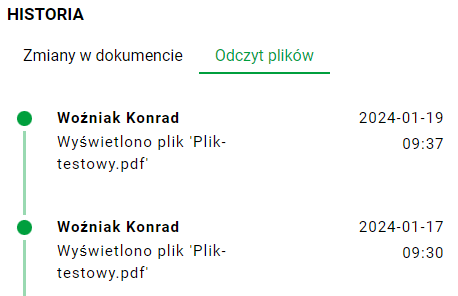
History Panel
An example history panel can be found, among others, in the document preview, in the "DOCUMENTS" module.
We open this panel by pressing the button marked below:
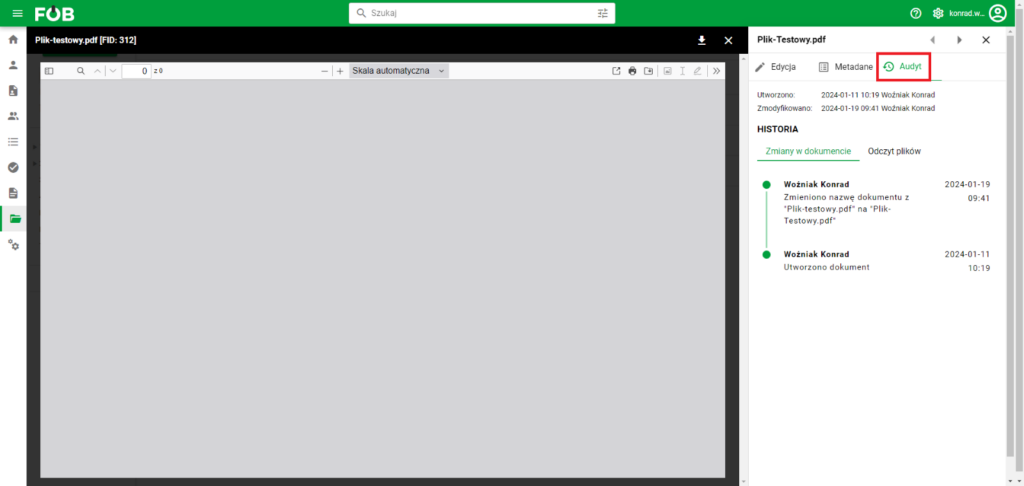
The panel consists of the following elements:
Summary of creation/modification:

As the name suggests, here you will find information about the date of creation and modification of a given file and the user who performed these actions.
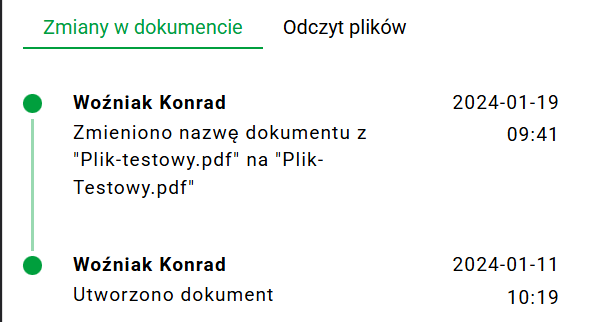
Changes to the document
Here you can find information about events related to the document, such as editing fields, information about document creation or adding additional files. Each event is accompanied by the date and time of the event, and above the record we can find the name and surname of the person who performed the given action.
Read files
Here, the user can see information about who viewed a given file and at what time it was viewed.