eFOB startup dashboard
The HOME PAGE module is the first screen the user sees after logging in. It is presented as follows:
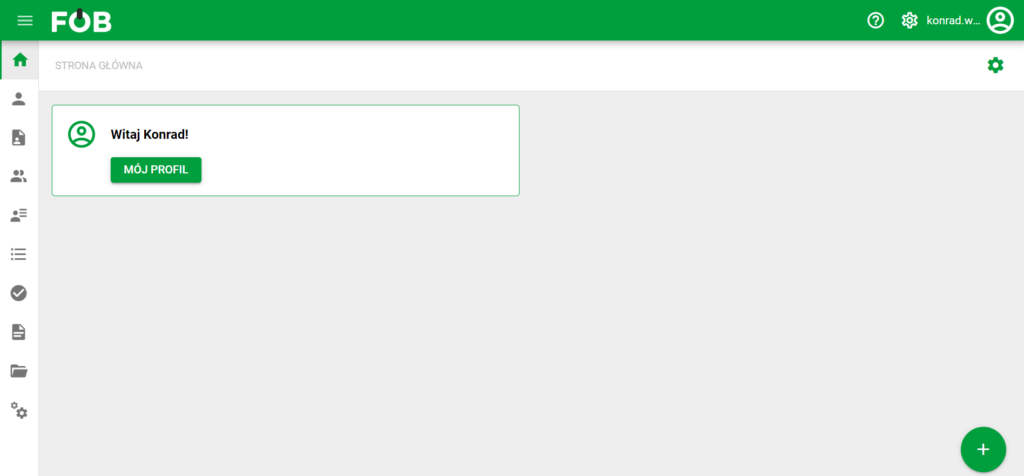
Start screen
Widgets can be assigned to this screen.
WIDGETS – an element of the website interface that allows for automatic display of specific information.
Description of widgets
In the eFOB application, users can use widgets available for their role and permissions.
The first one is the MY DOCUMENTS widget, which looks like this:
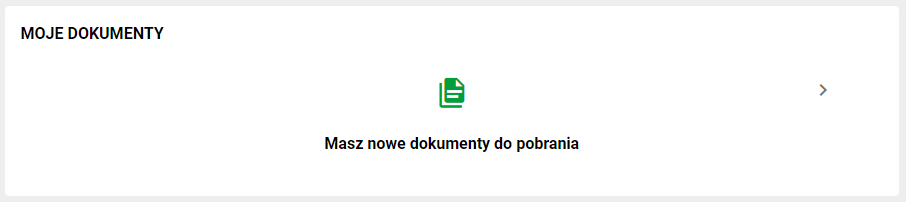
It is used to display information about user documents related to the MY DOCUMENTS module. By clicking on the above widget, the user can go to their documents in a faster way.
The second widget is the MY AFFAIRS widget:
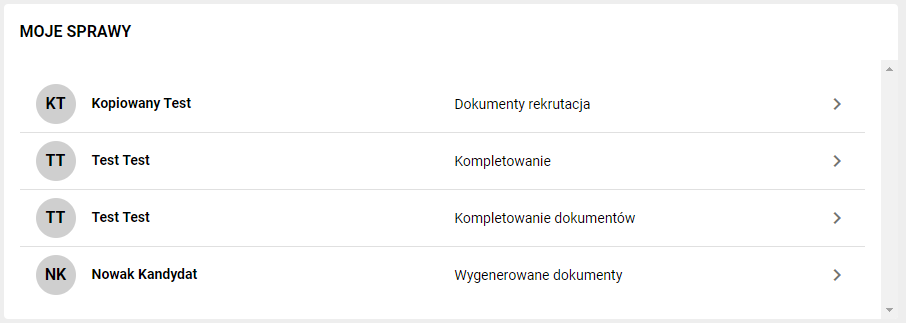
It is used to display information about user matters related to the CASES module. This widget consists of a summary of matters to which we can gain quick access by clicking on the item we are interested in.
Another widget, available to users with permission to view employees, is EMPLOYEES - ACTIVE / INACTIVE:
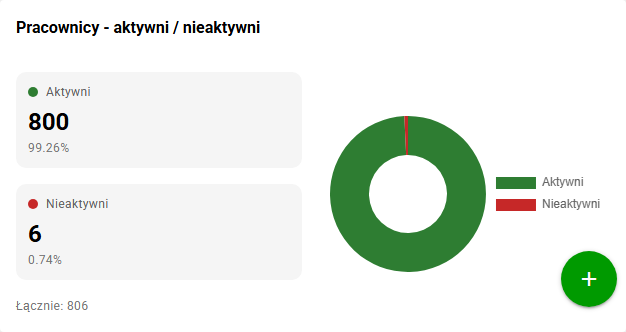
The widget shows the number of active and inactive employees, the percentage share of both groups and the total number of employees. This lets you quickly check the current state of the employee database without going to the employee list and setting filters manually.
Add/remove widgets
To go to the widget settings, click on GEAR located in the upper right corner of the screen:

Then select the widget you are interested in and press the PLUS button. This way you can also add the Employees - active / inactive widget if it is available for the given user:
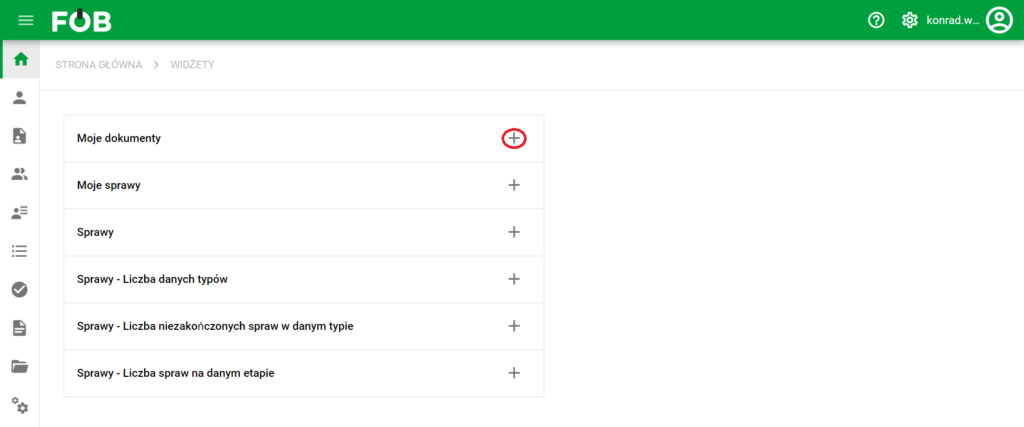
Plus button
The user will be informed about the widget's activity using the word ADDED located in the widget table. In place of PLUS, a X button will appear, which can be used to deactivate the widget:
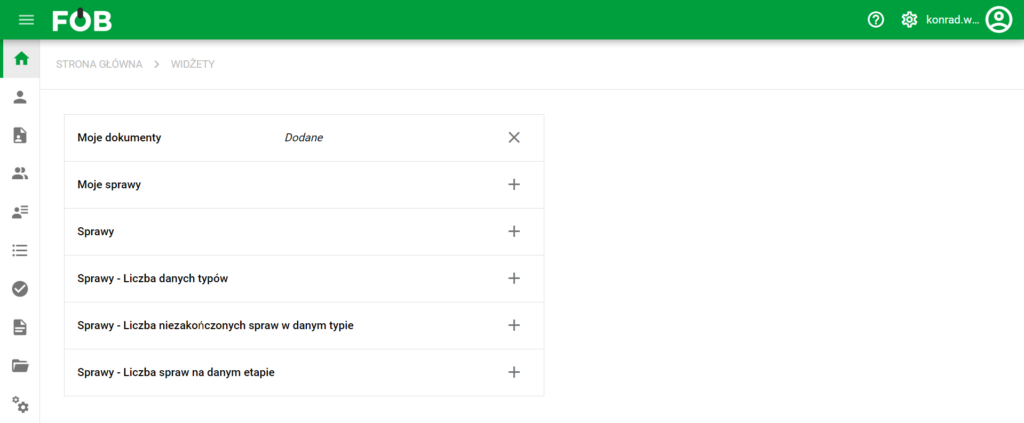
Widget Window
When you return to the home page, the activated widget appears on the home screen on the right side:
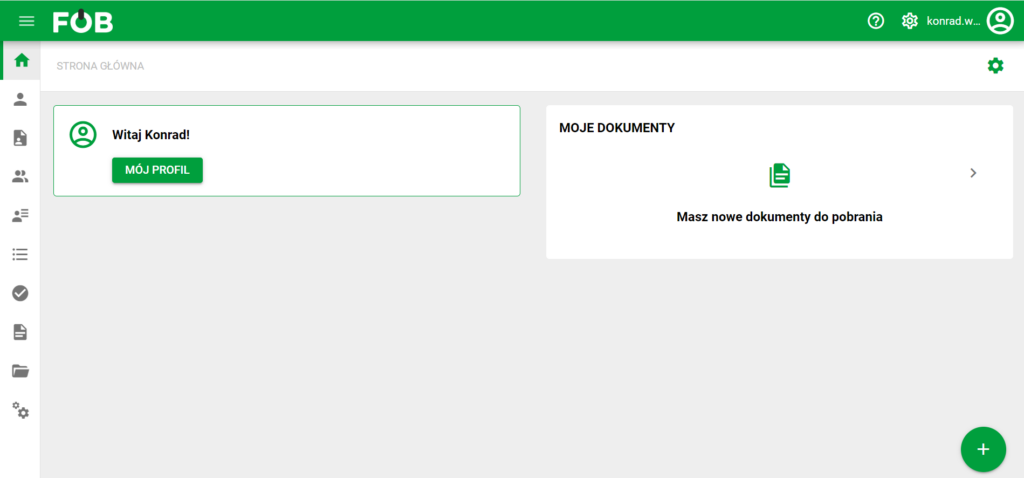
Screen after adding the widget
Your home page is ready to use!