eFOB 2.54.0 - News June 2026
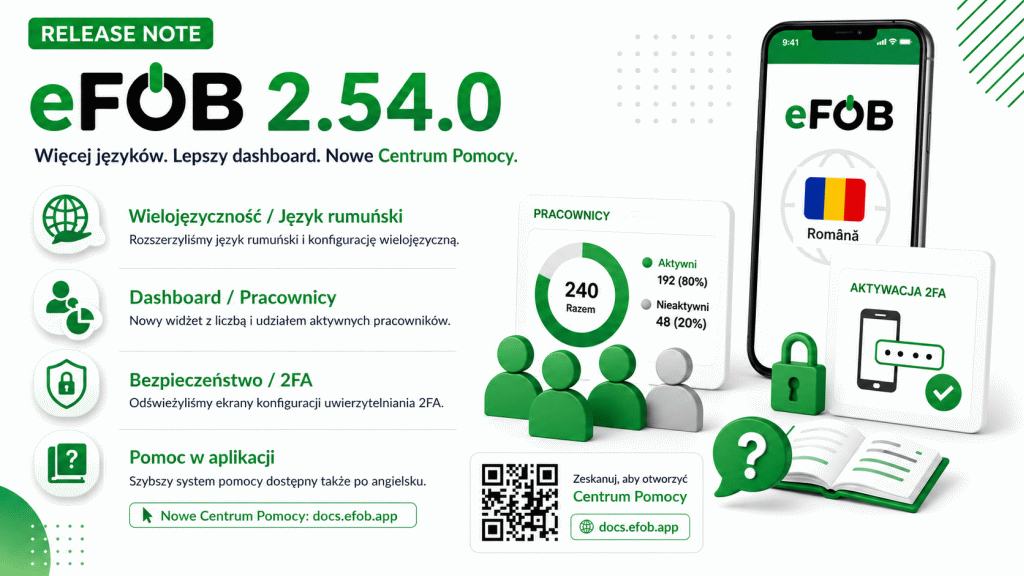
We have implemented eFOB 2.54.0. The update completes Romanian language support and multilingual administration configuration, adds a new widget for HR teams, refreshes 2FA configuration and introduces the redesigned Help Center.
Key changes:
- completed Romanian language support and multilingual configuration in administration,
- new dashboard widget showing the number and share of active and inactive employees,
- refreshed two-factor authentication configuration screens,
- redesigned Help Center, running faster and also available in English,
- stability improvements in cases, folders and document types, employees, permissions, login and PDF documents.
Multilingual support and Romanian language
We have completed the extension of Romanian language support and multilingual configuration in administration. Administrators can more conveniently complete translations of names and descriptions for case types, case statuses, the case library, document types and folders.
The system also makes better use of the user's language when searching and presenting configuration. If a translation is not available, the application uses the default value, so work remains predictable even in organizations that gradually complete additional languages.
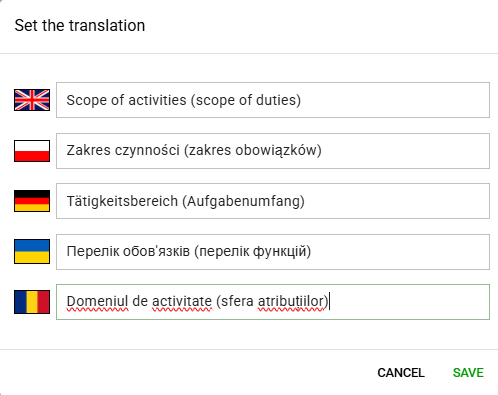
As part of this change, we have also expanded Romanian translations in the interface, permissions and selected email templates. This makes it easier to deploy eFOB in international organizations and helps maintain consistent communication language with users.
Thanks to this:
- it is easier to maintain one process configuration for several languages,
- users see more system elements in their working language,
- administrators can prepare folders, document types and cases for international teams faster,
- email communication and notifications are better aligned with the language settings of the user and organization.
New active and inactive employees widget
A new "Employees - active / inactive" widget is now available on the dashboard. It shows the number and share of active and inactive employees, as well as the total number of employees.
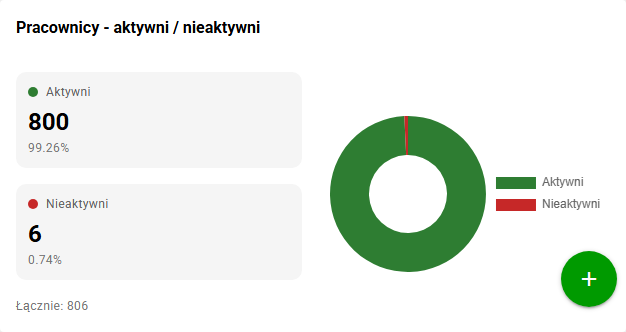
The widget helps you quickly assess the current state of the employee database without going to the employee list and filtering data manually. This is especially useful for HR administrators who regularly check the completeness and accuracy of employee data in eFOB.
Refreshed 2FA configuration
We have refreshed the two-factor authentication configuration screens. The new layout guides the user more clearly through activation, handling the code from the authenticator app and decisions related to enabling or skipping 2FA.
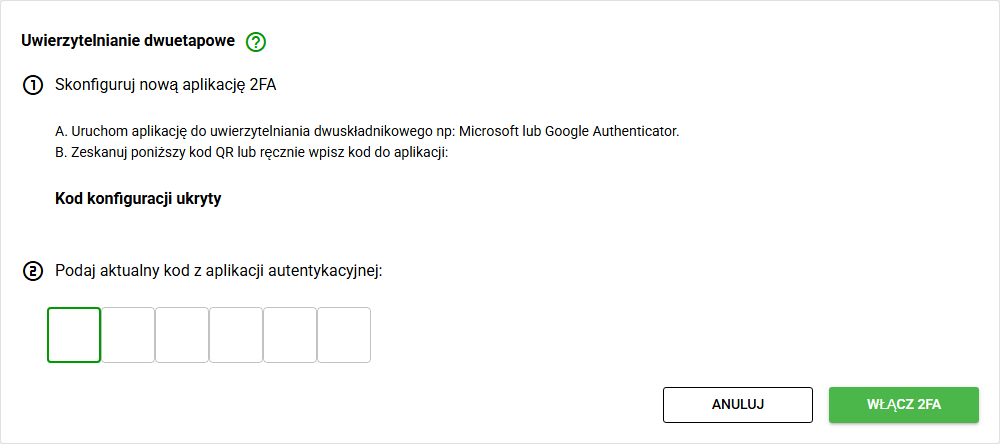
We have also improved first-login elements and scenarios where 2FA is optional or required by the organization. This makes the process clearer and reduces uncertainty during activation of the security feature.
New Help Center in the application
We have completely rebuilt the user help system so that it runs faster and is also available in English. The new Help Center is available at /.
We have updated help links and Help Desk keys in application views and message templates so that they lead to the correct documentation articles. As a result, users can reach current materials faster, and English-speaking teams can use the same knowledge base.
Fixes and minor improvements
- Administration / Cases: We have refined case type search in the user's language, translations in the case library, document generation status refresh and form change verification.
- Administration / Folders and document types: We have improved sorting and handling of empty names in administration views, so lists work more reliably even when translation data is incomplete.
- Employees: We have added sorting by the Active column and organized filter behavior when changing the organization.
- Permissions and audit: We have improved handling of general permissions for access to modules and data sections, as well as reporting situations where the system encounters an unknown permission.
- Login: We have improved Microsoft login error handling, including cases with multiple signed-in accounts.
- Documents / PDF: We have improved PDF preview loading on older iOS devices.