Password reset
Choose the correct sign-in method
Password reset applies only to accounts that sign in with an eFOB password.
- If you sign in with an eFOB password, follow the reset procedure below.
- If you sign in through Microsoft or Google, return to the sign-in page and select the appropriate provider button. Resetting your eFOB password does not change your Microsoft or Google password.
- If Microsoft requires administrator approval or blocks sign-in because of your organization's security policy, send your IT administrator the safe message displayed by eFOB and the diagnostic code, if shown. Do not send a screenshot containing personal or organization data. Resetting your eFOB password will not resolve this error.
Go to password reset
Reset is a function that is used to regain access for users who have forgotten the password assigned to their account.
-
To go to the password reset screen, open the eFOB application login page: https://efob.app/
-
In the next step, we find the button DID YOU FORGET YOUR PASSWORD? marked in the graphic below:
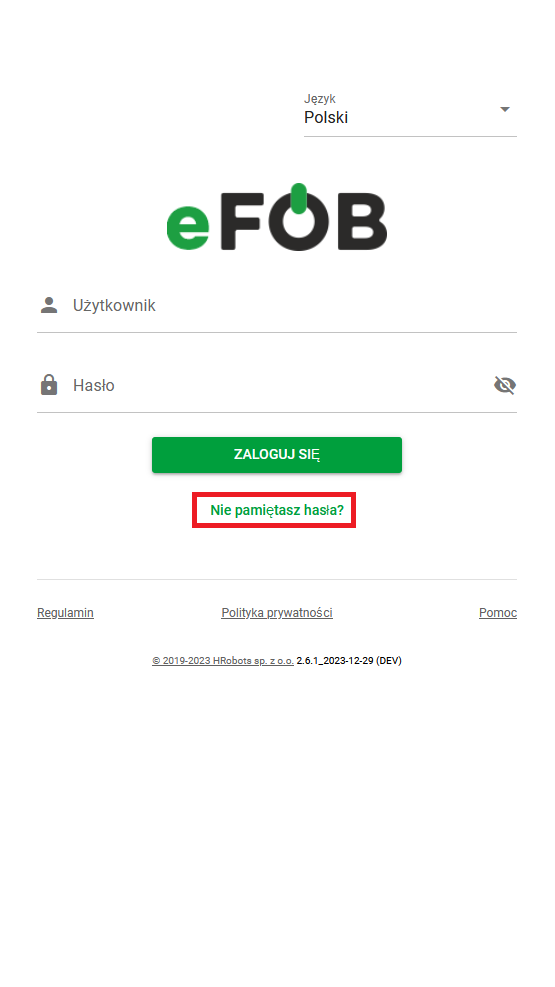
- Click the DON'T FORGET YOUR PASSWORD button and open the password reset subpage
Password reset
After completing the above steps, the user should be on the screen below.
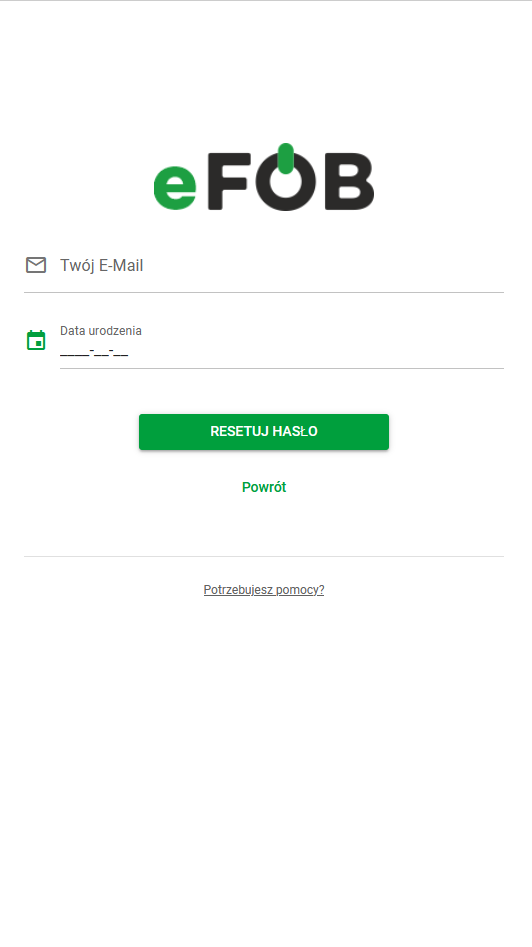
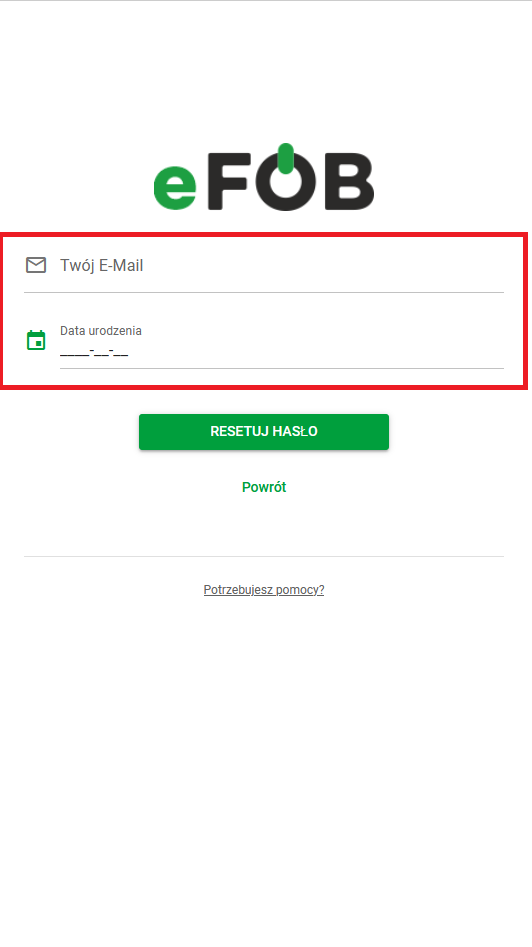
- To indicate which account requires a password reset, the user must enter the email address assigned to this account and the date of birth assigned to it.
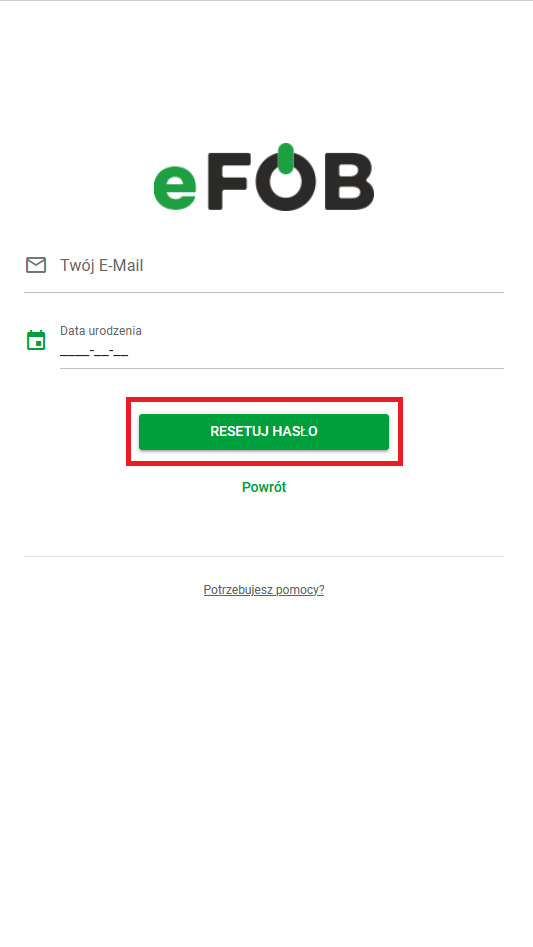
- After completing the information, press the RESET PASSWORD button
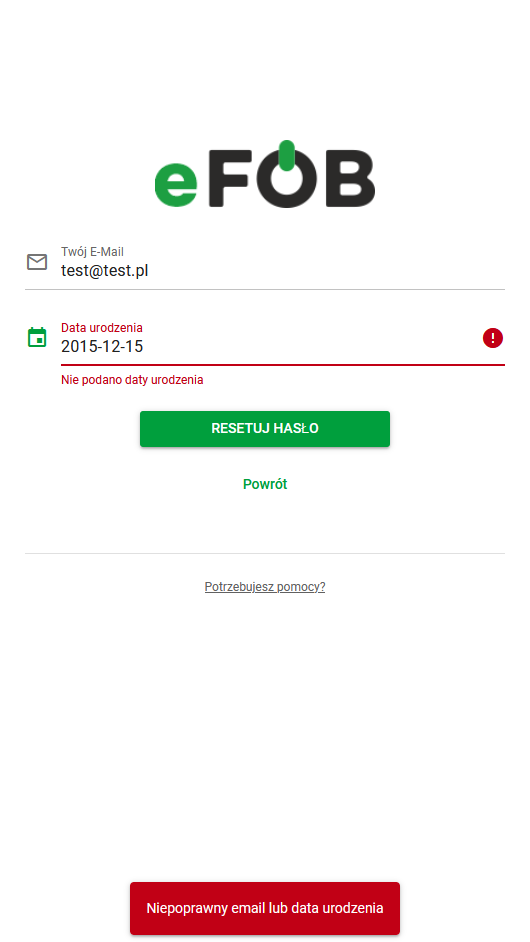
Password reset failed
In case of incorrect data provision, the user will be informed with the following notification:
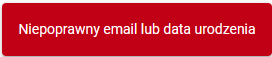
Located at the bottom of the page:
Password reset successful
In case of a successful password reset, the user will be redirected to the following screen:
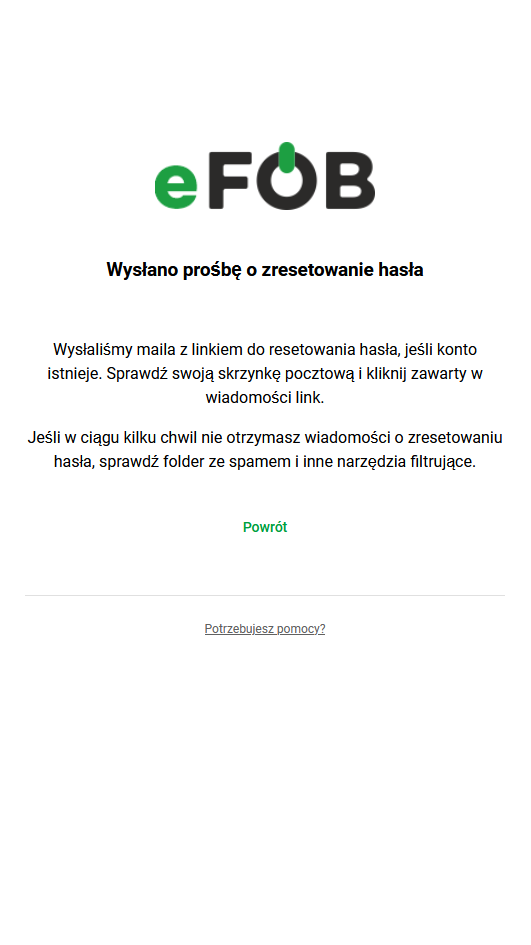
Which says that:
“A link to reset your password has been sent to the provided e-mail address, if the account exists.”
- In the next steps: check your mailbox and click the link contained in the message.
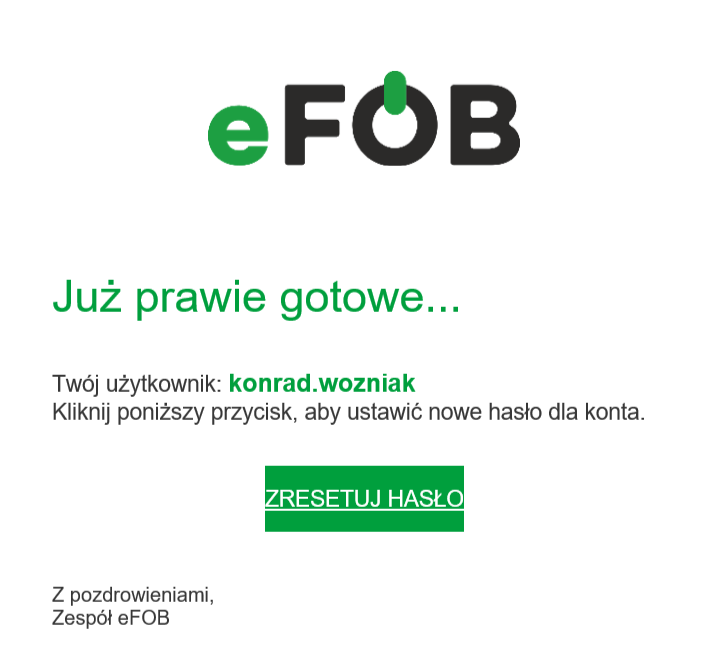
If you don't receive a password reset message within a few moments, please check your spam folder and other filtering tools.
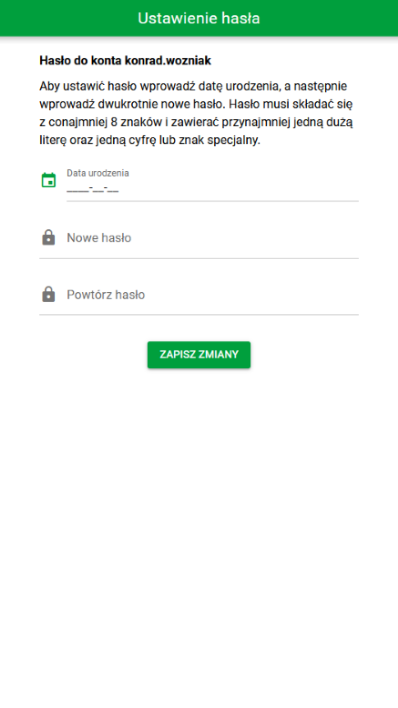
- After clicking on the link, the following subpage opens:
-
In the next step, the user sets the date of birth and enters a new password and its confirmation
-
Finally, press the SAVE CHANGES button:
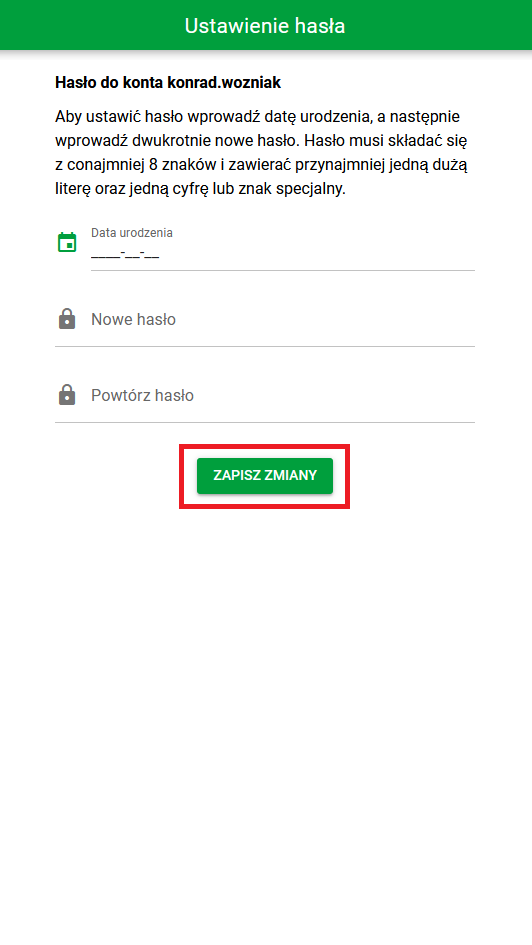
- If the form is entered correctly, the user will see the following message:
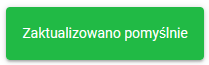
What does it mean that the password reset process has been successfully completed?
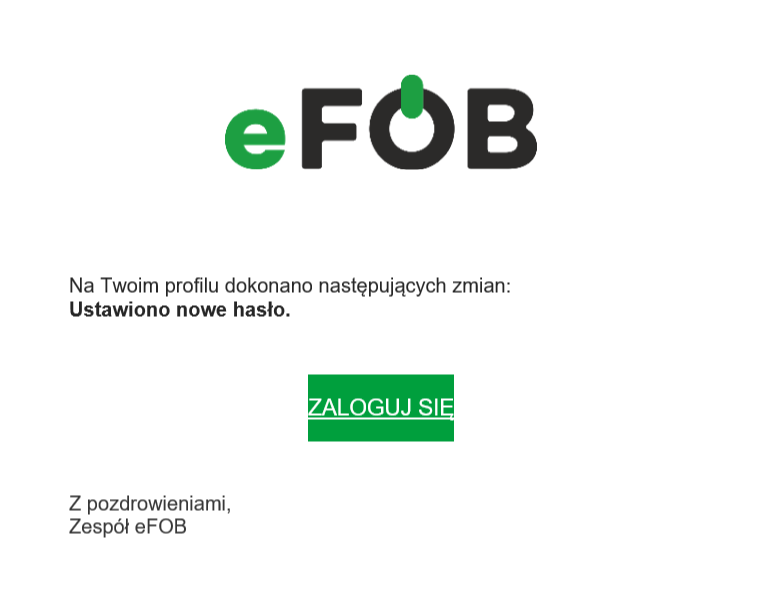
And you will receive information in your mailbox:
Password reset and account activation
Further action depends on the status of the activation link:
- if the user has never had an activation link sent or the previous link is no longer valid - the user will receive appropriate information in the password reset process,
- if the user has previously had an activation link sent and this link is still valid - the user will receive information that he or she still has a valid activation link.This prevents the user from receiving new activation links repeatedly if the previous link can still be used.