Login to the application
Can't log in? Read the guide below.
How to log in to the application
To log in to the application, go to the website to which you received a link in the email confirming account activation.
On the login screen, enter:
- username (usually it is "firstname.surname" - without quotation marks and Polish characters; you received the specific username in the activation e-mail)
- password (what you set during activation)
IMPORTANT! For security reasons, logging in is only possible after initial account activation.
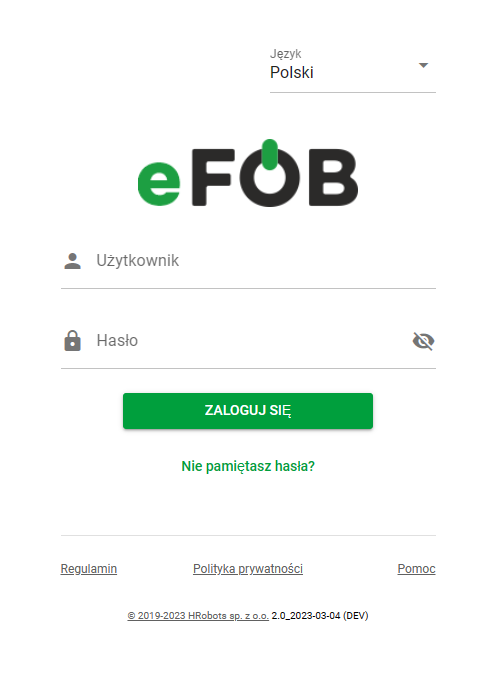
Login screen
Two-step verification
If we have two-step verification enabled, after entering the username and password correctly, a screen will appear where you will need to enter the TOTP code from a separate mobile application. More about two-step verification, TOTP codes and external mobile applications in the article Two-step security (2FA) in eFOB.
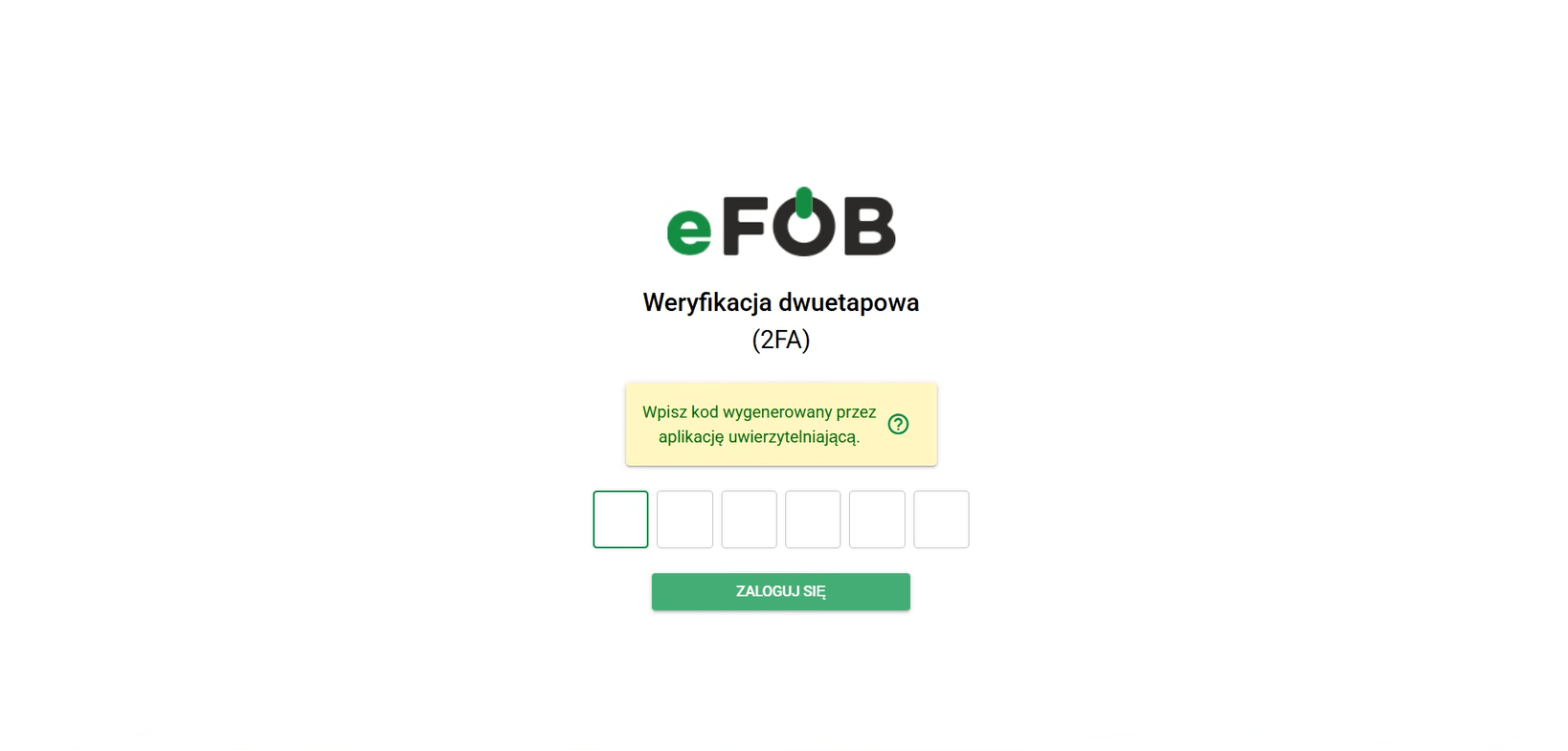
Two-Step Verification Screen
Organization selection
If you are assigned to more than one organization, immediately after logging in you will be greeted with a screen that will allow you to select one of them.
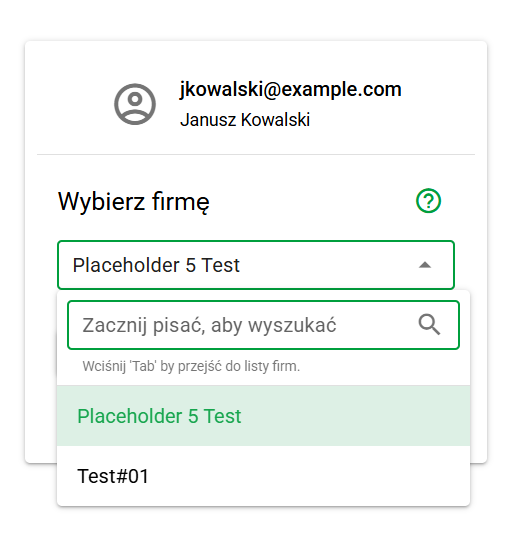
Organization Selection Screen
Update notifications
From time to time you can expect two types of updates - technical and regulatory. Technical updates inform about the most important modifications in the operation of the application. Regulation updates inform about changes in the regulations - they also summarize the most important amendments, and their acceptance is necessary to start working with the application.
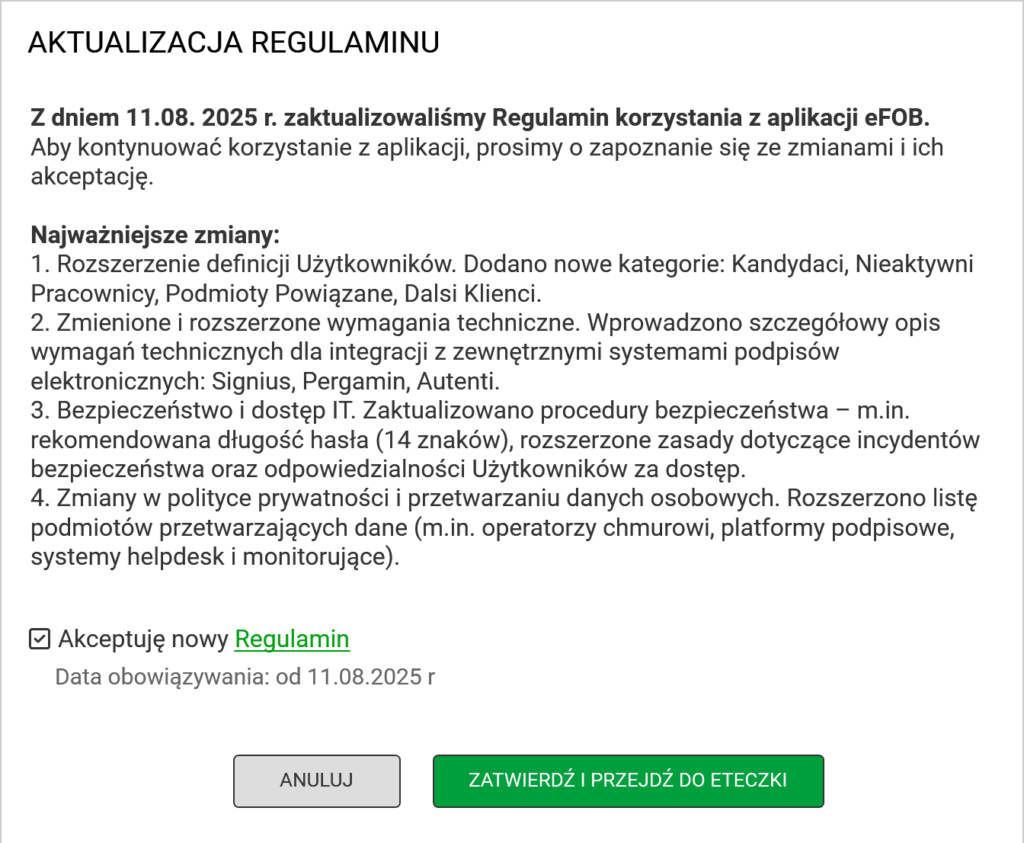
Example screen informing about updating the regulations
The account activation link does not work
If more than 7 days have passed since it was generated, the activation link stops working for security reasons. However, its use results in automatic sending of an e-mail with a new, valid activation link.
Therefore, click on the ACTIVATE ACCOUNT button in the old e-mail and check your e-mail box where a new e-mail to activate your account should be sent.
I did not receive the activation link
Please check if the email has not been placed in your SPAM box. If it's not there either, you may have entered the wrong email address. You must confirm your email address with your employer.
I forgot my password
If you have previously activated your account, use the DID YOU FORGET YOUR PASSWORD? option available on the login screen.
To reset your password, for identity verification purposes, date of birth and e-mail address are required.
More about password reset at the link I forgot my password
The password reset link doesn't work for me
If more than 1 hour has passed since the password reset request, the activation link stops working for security reasons. In this case, you must submit a new password reset request.