I forgot my password
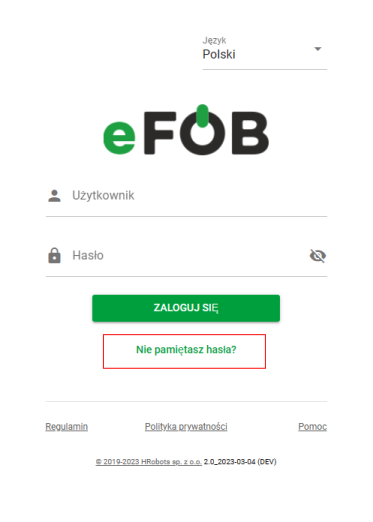
If you have previously activated your account, use the "Forgot your password?" option available on the login screen.
To reset your password, for identity verification purposes, date of birth and e-mail address are required.
If two-step verification is activated on our account, it will also be necessary to provide the TOTP code. More about the TOTP code in the article Two-step security (2FA) in eFOB - eFOB.
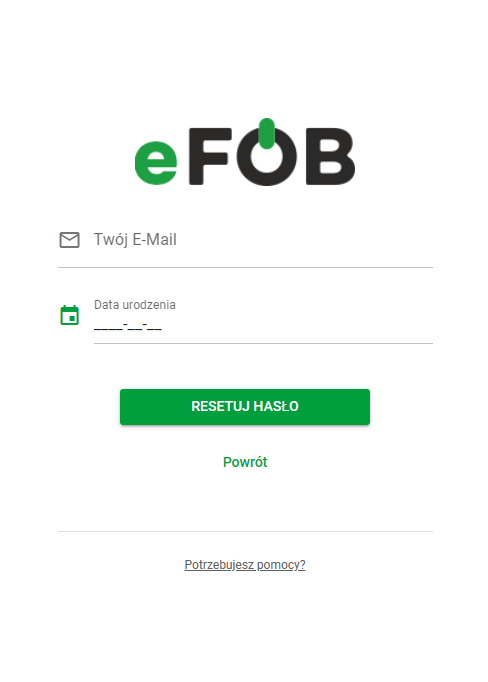
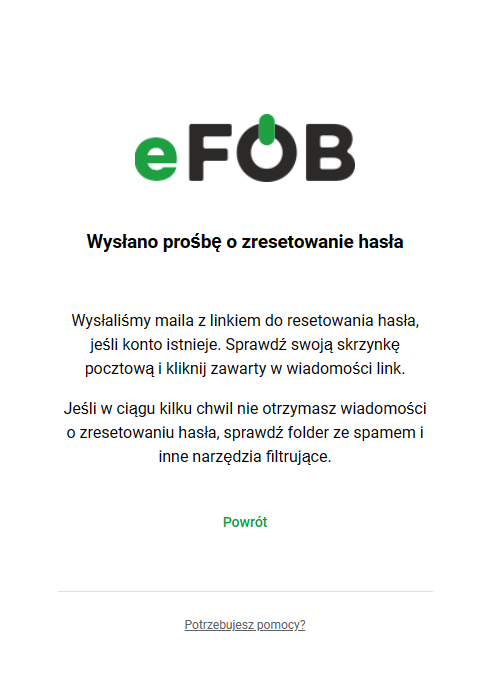
After entering the data and clicking the "Reset password" button a message will be sent to the e-mail address provided by the employer containing a link to the page allowing you to set a new password.
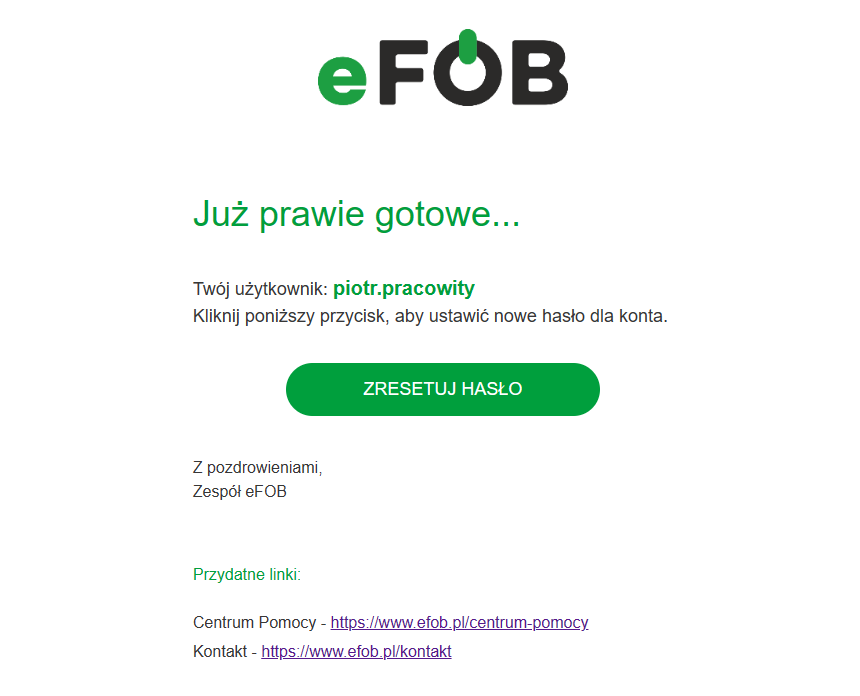
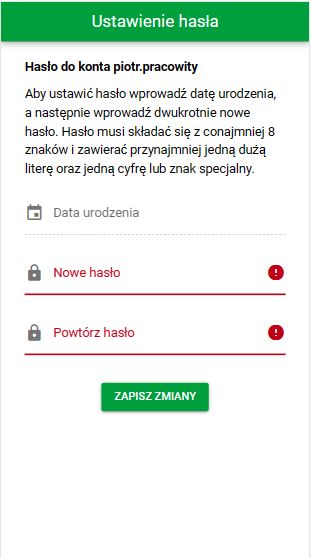
To set a new password after reset enter your date of birth and enter the new password twice.
If you enter your date of birth incorrectly 5 times, the system will block the possibility of changing your password. In this case, please contact your HR and payroll department to set a new password.