Frequently asked questions
Is the application free to use?
For employees, using the application is free of charge.
Can I use the app on my smartphone?
Yes, the application works on smartphones, tablets, laptops and desktop computers.
Can I use the file download feature on my Apple iOS phone?
Yes, the feature works on older iOS 13.x or later in Chrome.
Due to an Apple bug, the download feature currently does not work on the latest iPhone/iPad running iOS 14.x in the default Safari browser.
To download your PDF documents, use the application in the Chrome browser or from your computer or other manufacturer's phone.
What should I do if I do not want to use the eFOB system?
Your data in the application may be deleted only when the employment relationship with the employer ceases.
Can I download the document?
You can download the document by clicking on the download icon available next to the selected document on the right.
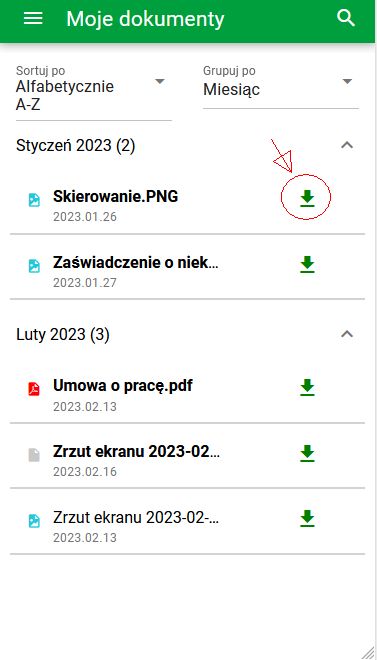
Download Button
I don't have any documents listed
Check whether there are any active filters that may limit the display of the list of documents, e.g.:
– text or filter in the text search engine on the top bar of the application, – selected folder in the left side menu,
If you are a new employee, it is possible that your employer has not yet issued any documents for you.
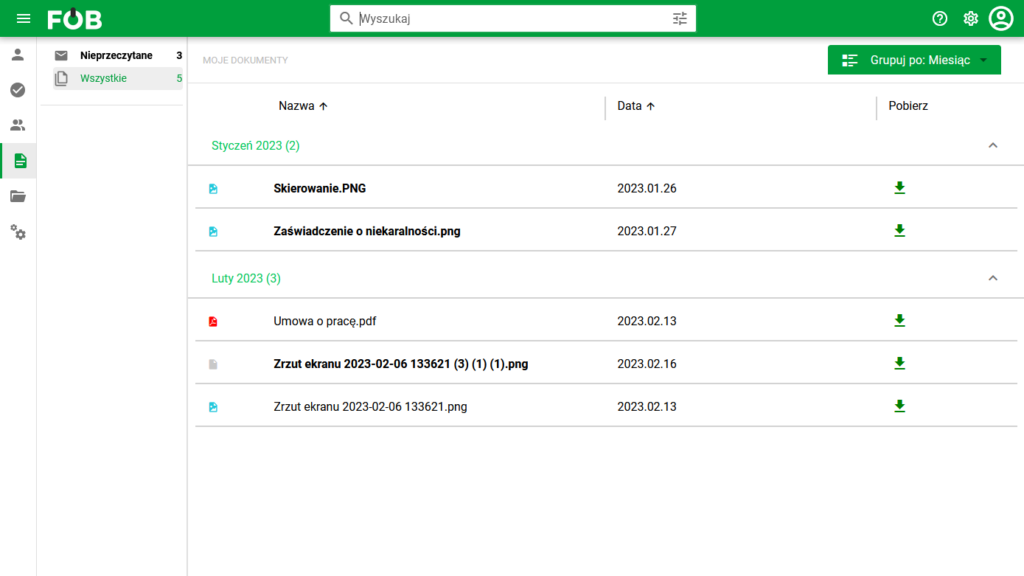
Document List
Document preview not displayed
If a document preview is not available when you select it, you must download and open the document directly from your device.
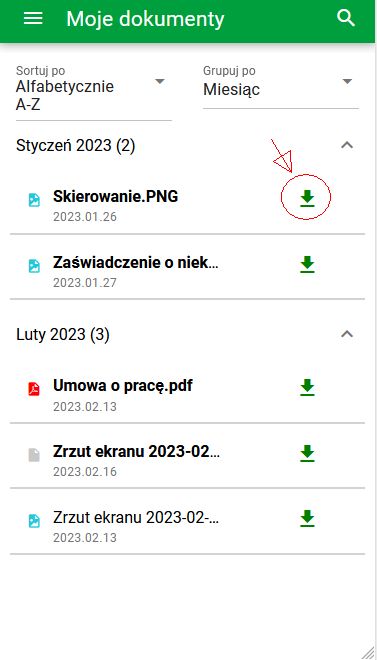
Download Button