Mass removal of employees
Mass removal of employees is available in the Employees module after expanding the action menu. To use this functionality, select the employees to be deleted in the table. The user must have permission to delete individual employees, otherwise deletion will be impossible.
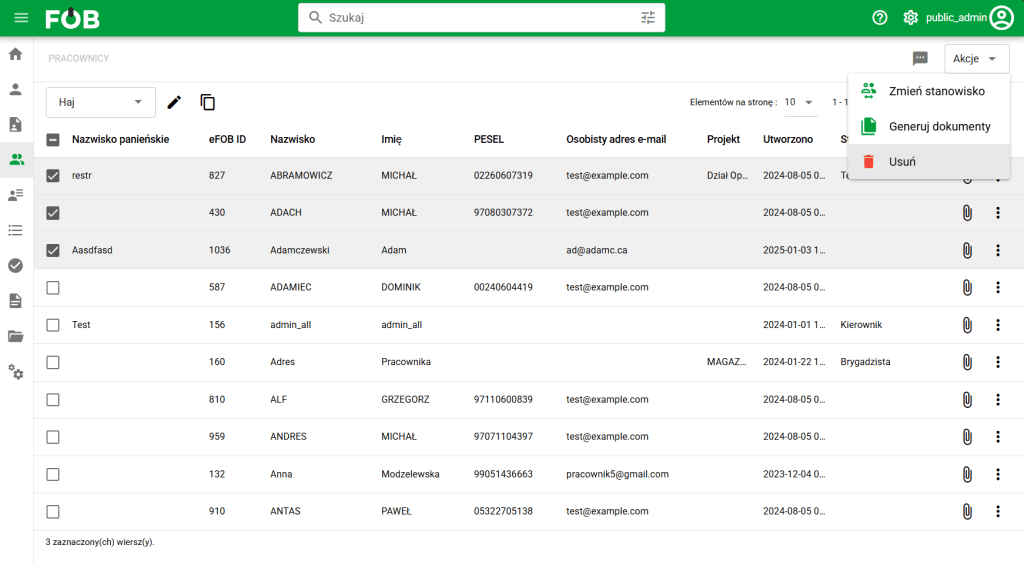
Employees – Mass Removal Action
After clicking the action button, you must confirm the deletion of the selected employees. Deleting an employee results in moving all his documents to the Trash and deleting other records assigned to him.
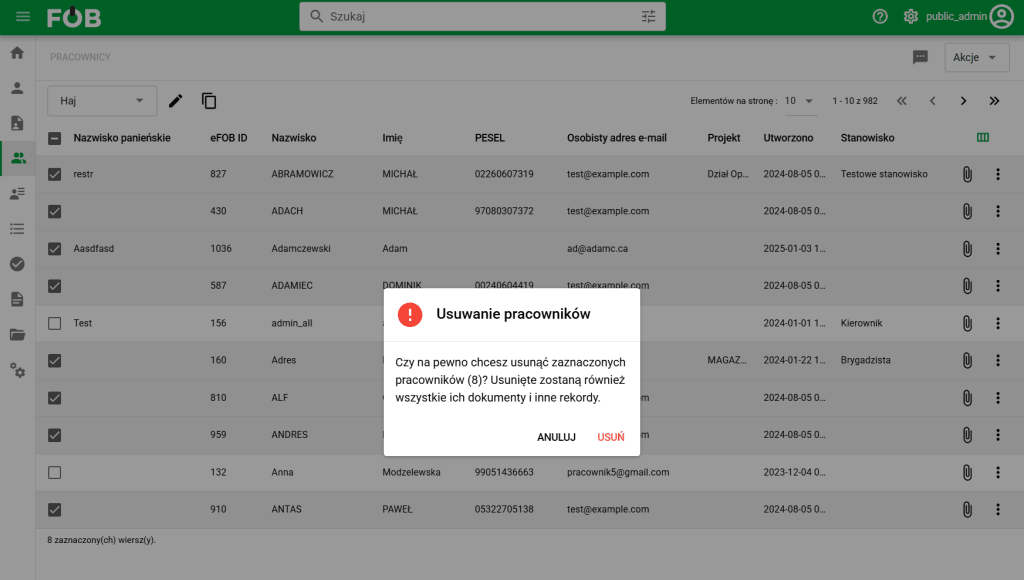
Confirmation of employee removal
Once the deletion is approved, individual employees will be removed one by one. If an error occurs for any record, appropriate information will be displayed after the deletion is completed.
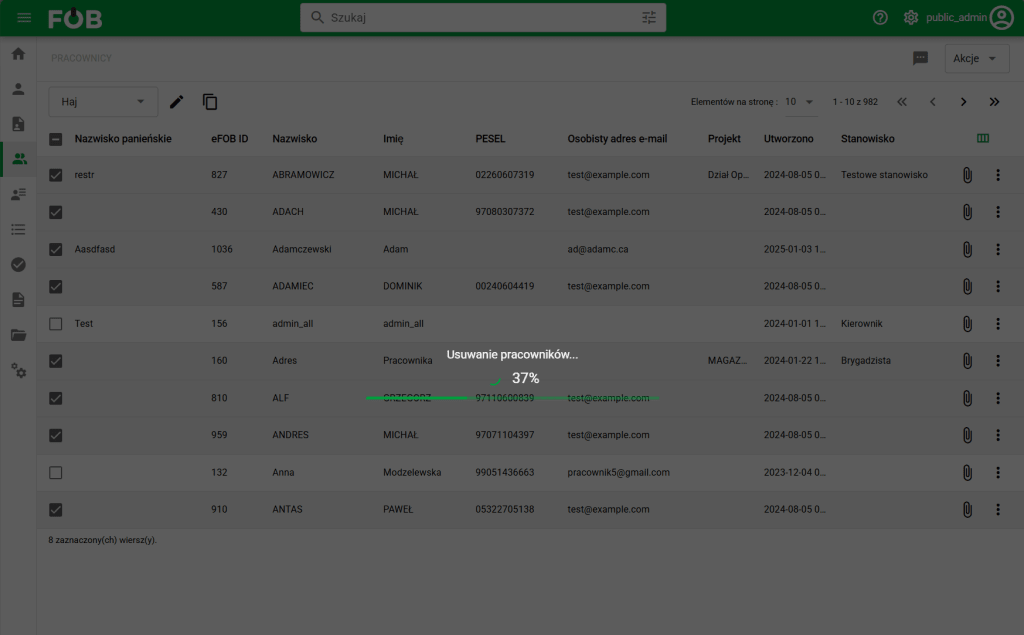
Removing employees – progress bar
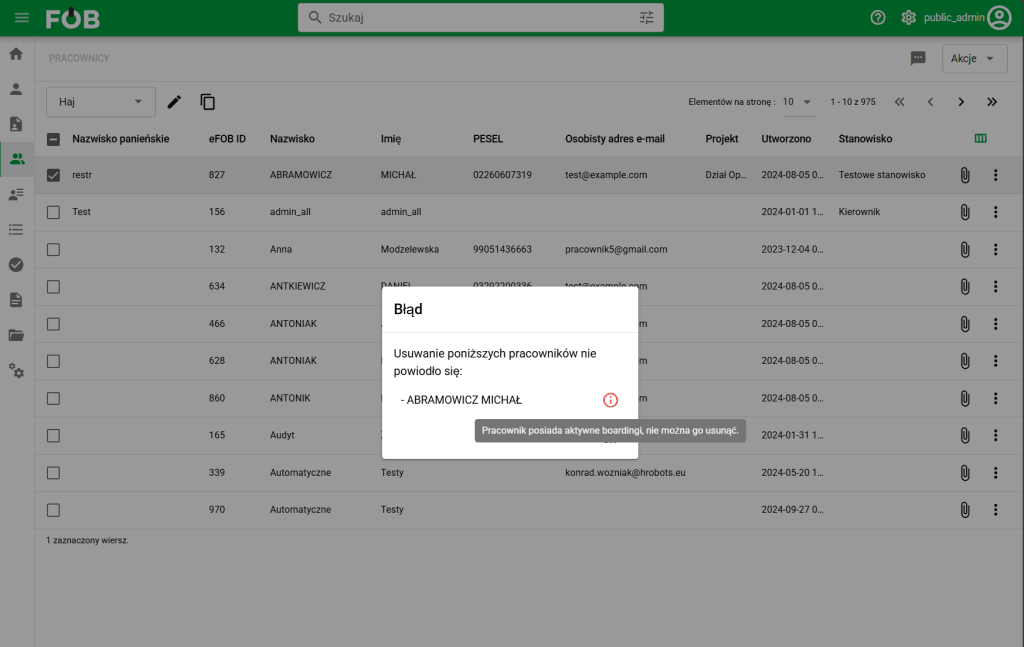
Error deleting employee
Deleted Employees can be viewed and restored from the Trash.