Employee basket
Zaktualizowano 2026-07-03
To view deleted employees, select the "Basket" option in the "Employees" module in the navigation panel on the left. A table will be displayed with basic employee information, the date of deletion and the person who performed it.
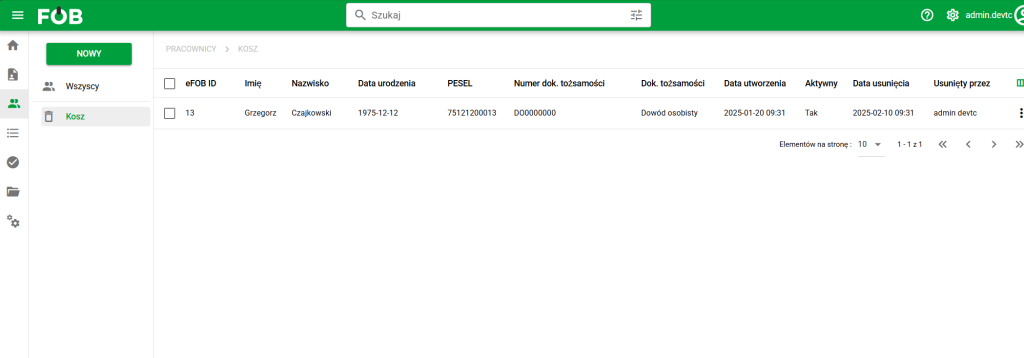
Employees – Trash
Restore and permanent deletion actions are available for each record (menu under three dots). Additionally, after selecting table records, buttons for bulk restore/delete will be displayed.
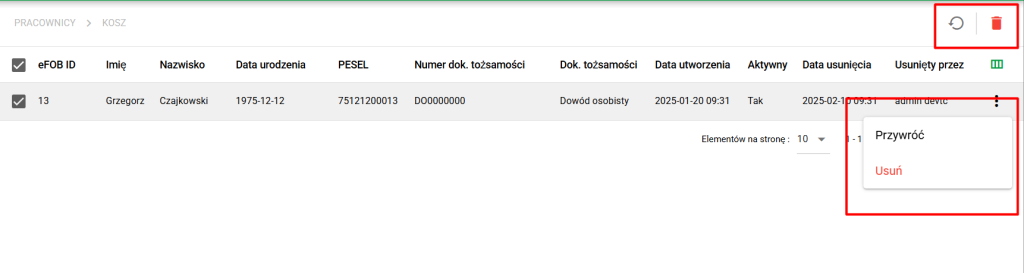
Delete/Restore Actions