Current status of the case
Application to change a bank account - Overview of the stages of the case
Depending on the stage of application processing, the status of the case changes as follows:
- Created This is the first stage after adding the case to the system.
Status Description: The case has been successfully registered and is awaiting further action.
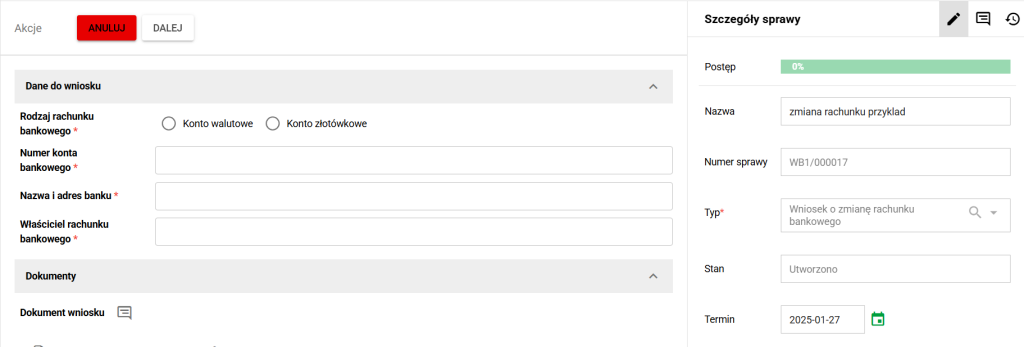
Status of the case. Created
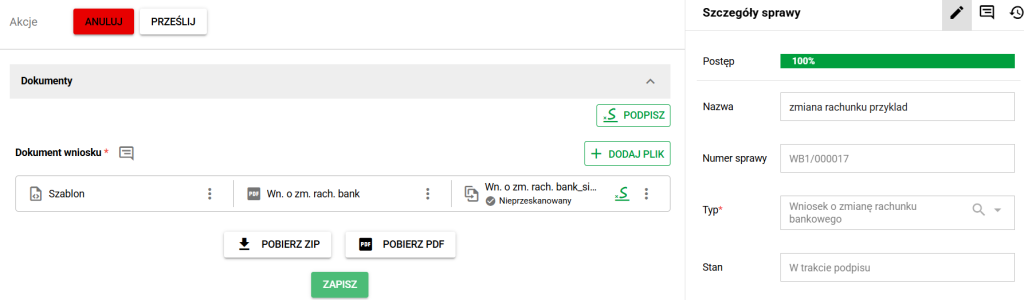
During signing At this stage, you are required to sign the "Bank Account Declaration" document. Status description: The user should sign the required document to proceed to the next stage.
Overview Case summary stage. The user has the opportunity to review the application and make any corrections or accept the data.
Status description: The applicant checks all data before approving it or sending it for correction.
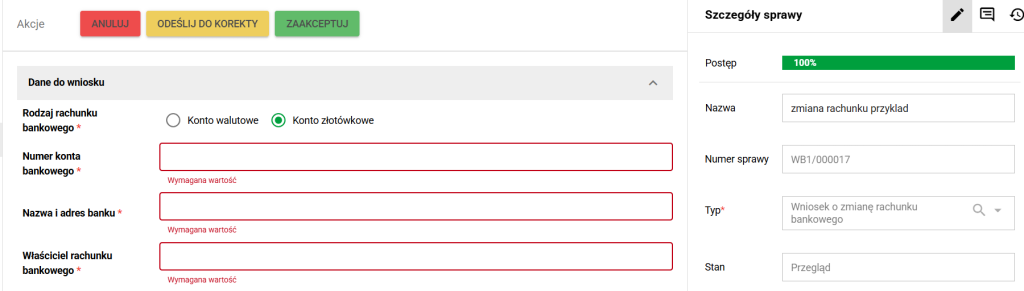
Affairs. Overview
Loading documents into eFile After accepting the application, the case proceeds to the internal document-filing stage. Documents already attached to the case are filed in the relevant employee eFolder within eFOB.
Status description: The application is ready for the required case documents to be filed in eFile.
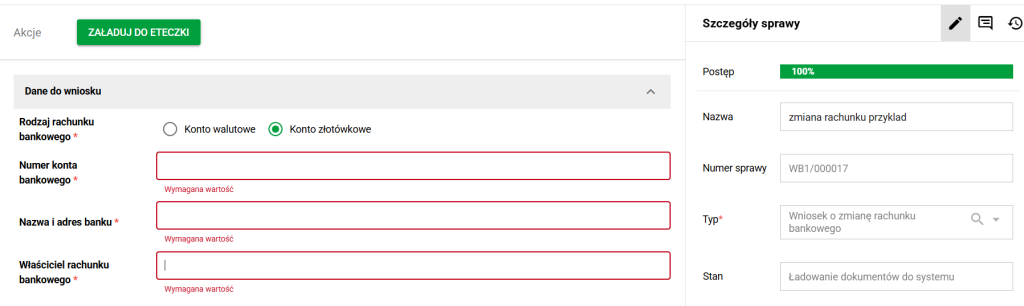
Cases. Loading documents into eFile
Documents loaded This is the final stage of the process. After loading the documents, the case reaches its final state, in which most of the fields are no longer subject to change. Status description: All required documents have been filed in the employee's eFolder and the case is complete.
Cases that include training
The example above concerns a bank-account change. Other processes can include a learning step. If your case has one, see opening training and checking its result. Training completion and the case's next transition depend on that process configuration.