Preview and print PDF documents
Zaktualizowano 2026-07-03
Preview
The MY DOCUMENTS module contains two boxes ALL and UNREAD, which have the same method of operation.
To enter the document you are interested in, move the cursor over the record and then click the left mouse button:
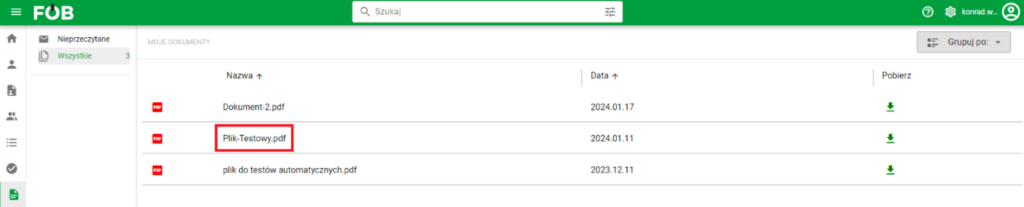
Selecting the document we are interested in
This action opens the following window:
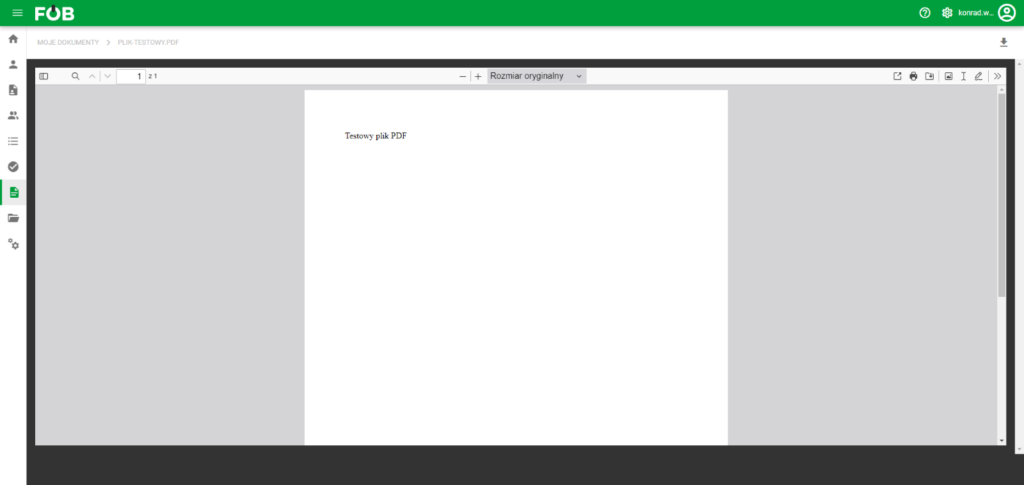
Document preview window
Features found in the document view
More information about preview operation and functionalities
Availability
To ensure safe and appropriate use of the system, some functionalities will be available only to users with employee status. Therefore:
- The MY DOCUMENTS module will be hidden for users who do not have an employee status assigned.