OCR and Metadata
To read data from a scan and complete its metadata, open the document in Documents. Before saving, check the recognized document type, date, and assigned employee.
The functionalities you can choose from are as follows:
- Assigning a name, type, folder and date to the selected document:
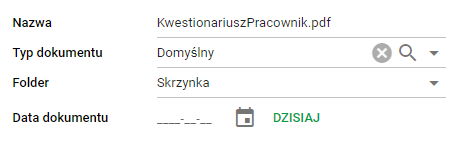
Document editing screen
- OCR mode in which we locate given items in the document:
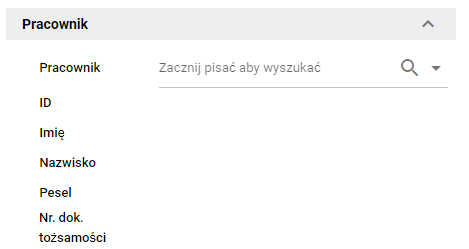
OCR Screen
If a given item is used for the first time, left-click on the document and drag the blue box appropriately:
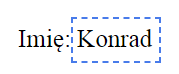
OCR Field
Recognition quality and larger batches of scans
When using automatic metadata rules, choose the OCR engine to suit the documents. Fast suits clear printed text; Accurate helps with more difficult scans and handwriting. Check the result before saving the data.
For a larger batch of files, you can also match OCR performance to your device. This separately controls the number of parallel tasks and does not change the engine selected in the rule.