Audit
Zaktualizowano 2026-07-03
To proceed to the audit of the document you are interested in, go to the DOCUMENTS module.
Then we find the document we are interested in and click the THREE DOTS button assigned to it and select the AUDIT option:
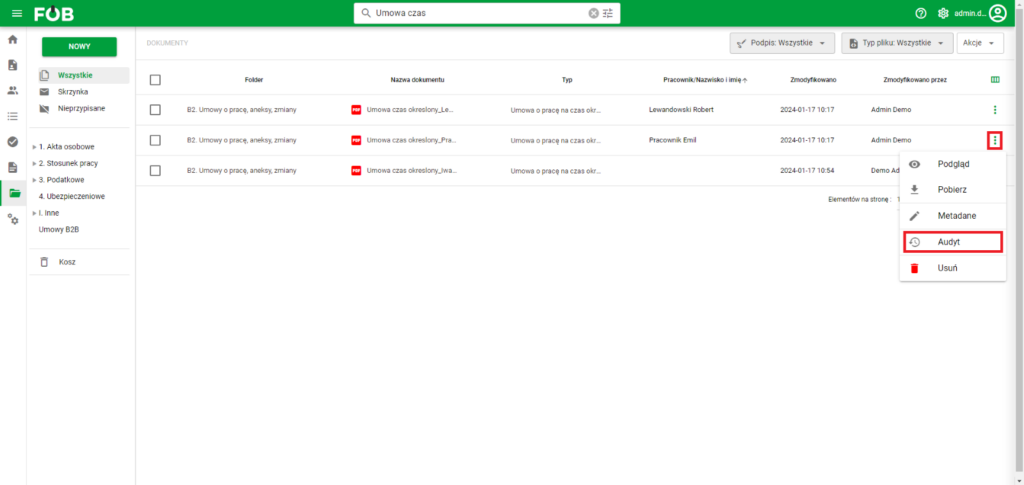
Go to audit
Performing this action will open a document panel on the right side that looks like this:
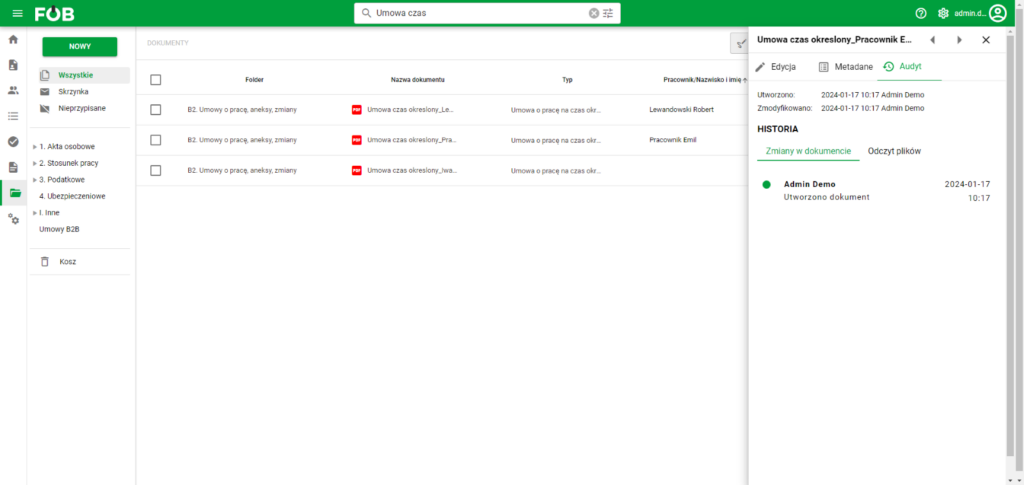
Document Panel
Here you can read, among others: changes in the document, such as: date of creation, date of editing, date of deletion and by whom a given action was performed:
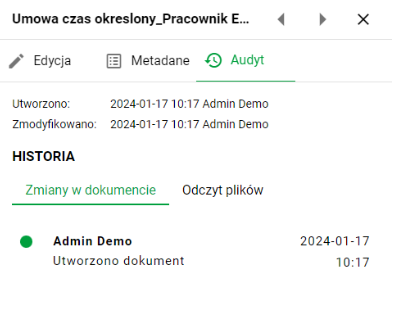
Audit panel
The second tab in the panel contains information about who and when viewed a given file, as well as items regarding the detection of a dangerous file by the anti-virus scanner and the approval of potentially dangerous files:
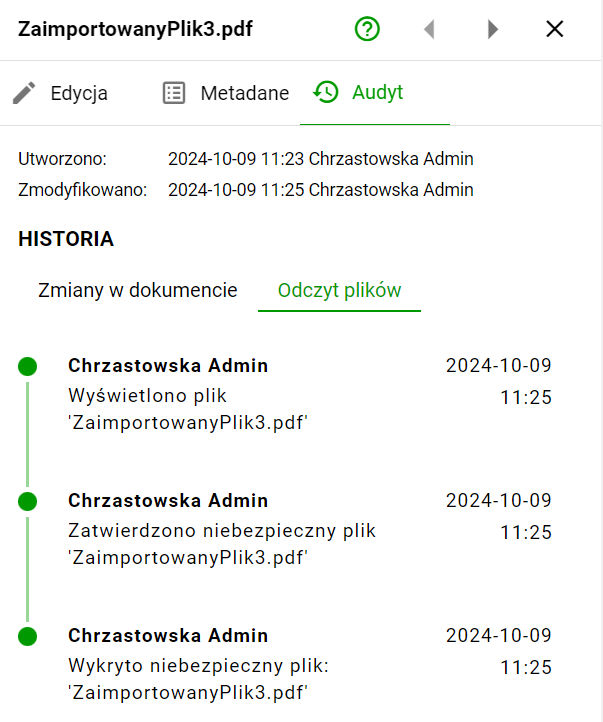
Reading files