Module access permissions (MDL)
⚠️Note: Option available ONLY for eFOB Enterprise packages.
Introduction
Access rights to modules allow you to define key functionalities and their default permissions to which the user has access in the system.
MDL roles are one of the main data sources for Effective permissions analysis. If a user has more than one MDL role assigned, the analysis panel shows the resulting access after these roles are combined and DS roles are taken into account.
The analysis helps check whether an MDL role grants only module access or also specific actions, such as view, edit, delete, download or administrative functions.
Adding a role
Each item contains a list of details that can be accessed by clicking on the record. We also use checkboxes in this list:
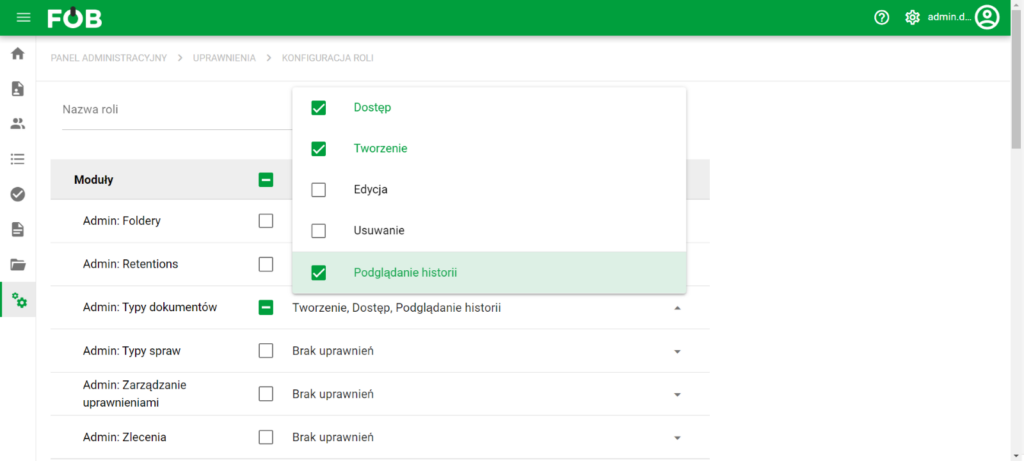
Role setup
After entering the configuration, scroll to the bottom of the screen and save the settings:

Save button
BASIC DATA includes basic data and residential address
Main and useful permission categories
1. Administration panel
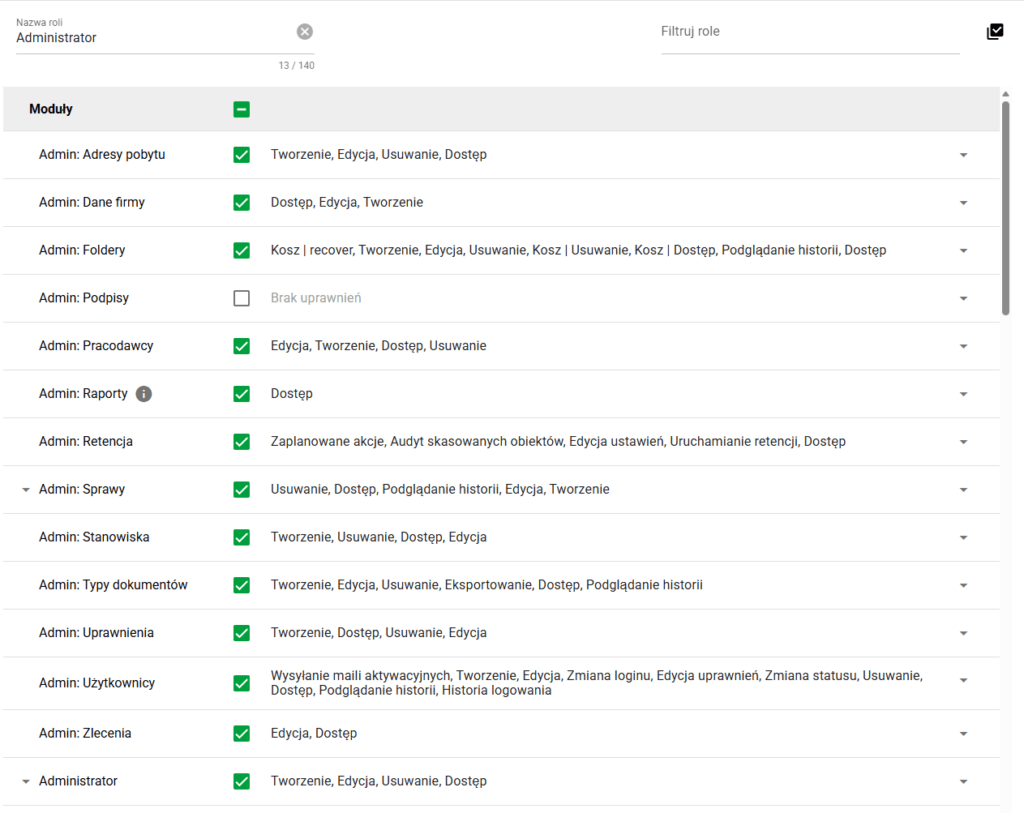
a) Access to Case Administration is possible at the tab level
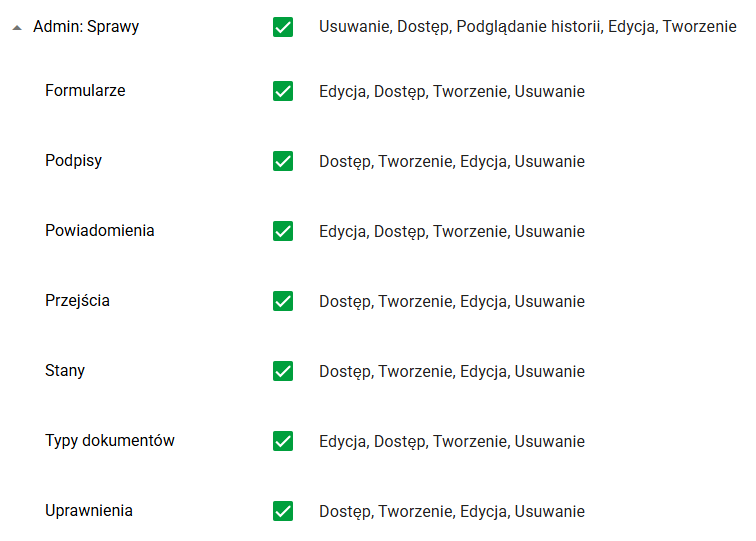
b) The 'Administrator' general permission gives access to the Administration Panel
c) Special permission 'Administrator' regarding Clients/Projects control the administration of the Dictionary
d) The Effective permissions permission in the users area allows administrators to run actual access analysis for a user. This permission should be granted only to administrators responsible for access control or audit.
2. Boarding

Role setup
a) Access to the BOARDING module
b) Access to manage view settings (list)
c) Access to employee data (located in the record form we choose)
3. Documents


Role setup
a) Access to the DOCUMENTS module
b) Access to manage view settings (list)
c) Access to employee data (located in the record form we choose)
4. Affairs
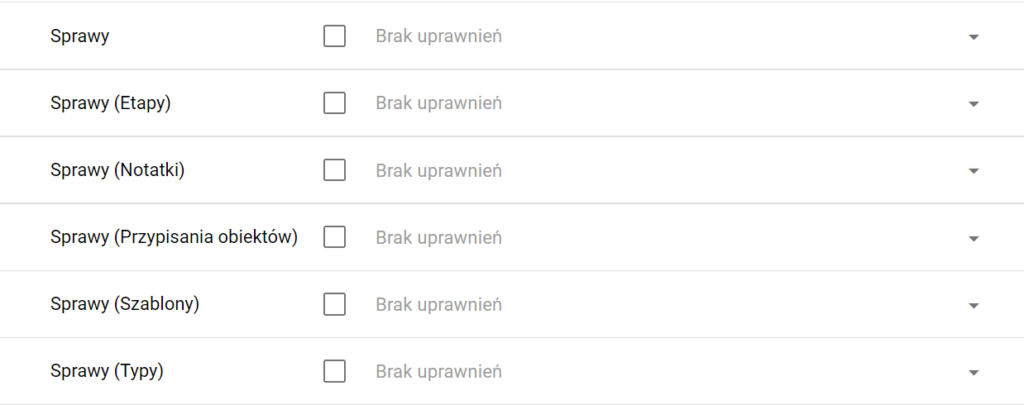
Role setup
a) Access to the CASES module
b) Possibility to add notes and define which ones
c) Assigning objects
5. Candidates
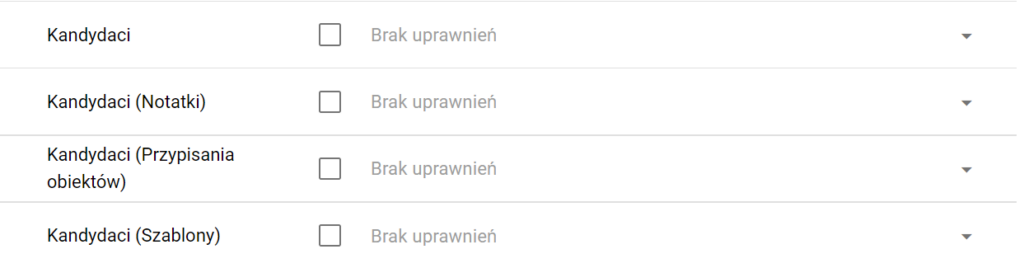
Role setup
a) Access to the CANDIDATES module
b) Determining the data available in candidate forms
c) Access to manage list view settings