Position configuration
To get to the positions, select the following items:
Administration Panel -> Dictionaries -> Positions
After clicking on Positions, a list of existing positions will appear, if they have already been added.
Adding
In the side menu, click the ADD button.
After clicking, a form for entering data of the new position will appear on the right.
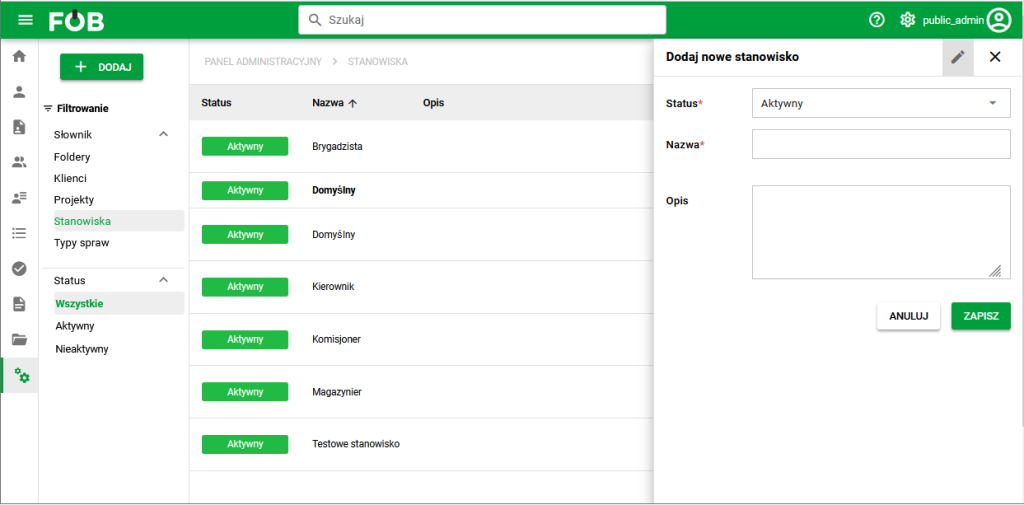
Positions. General view
After completing the form, click SAVE to add the position to the list.
Sorting and Filtering
Sorting: Click a column header in the job list to sort them alphabetically.
Filtering: Use the side menu to filter positions by status.
Actions
The list of positions includes options for editing, assigning document types, assigning employees and changing the status.
- Edit job details: Click the pen icon to edit job details.
- Document Type Assignment: Click the document icon to assign document types to a position.
- Employee Assignment: Click the human icon to assign employees to a position.
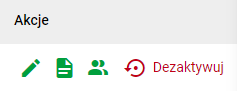
- Status Change: Click the Activate or Deactivate icon to activate or deactivate the position.
Prepare a document set for a position
Assigning document types to a position lets HR reuse the same list when preparing documents for different people.
- Open the position details and select the document icon.
- Find and add the document types needed for the position. Remove any items that should not belong to the set.
- Save your changes.
- Check in the generator that suitable templates are available for the assigned types.
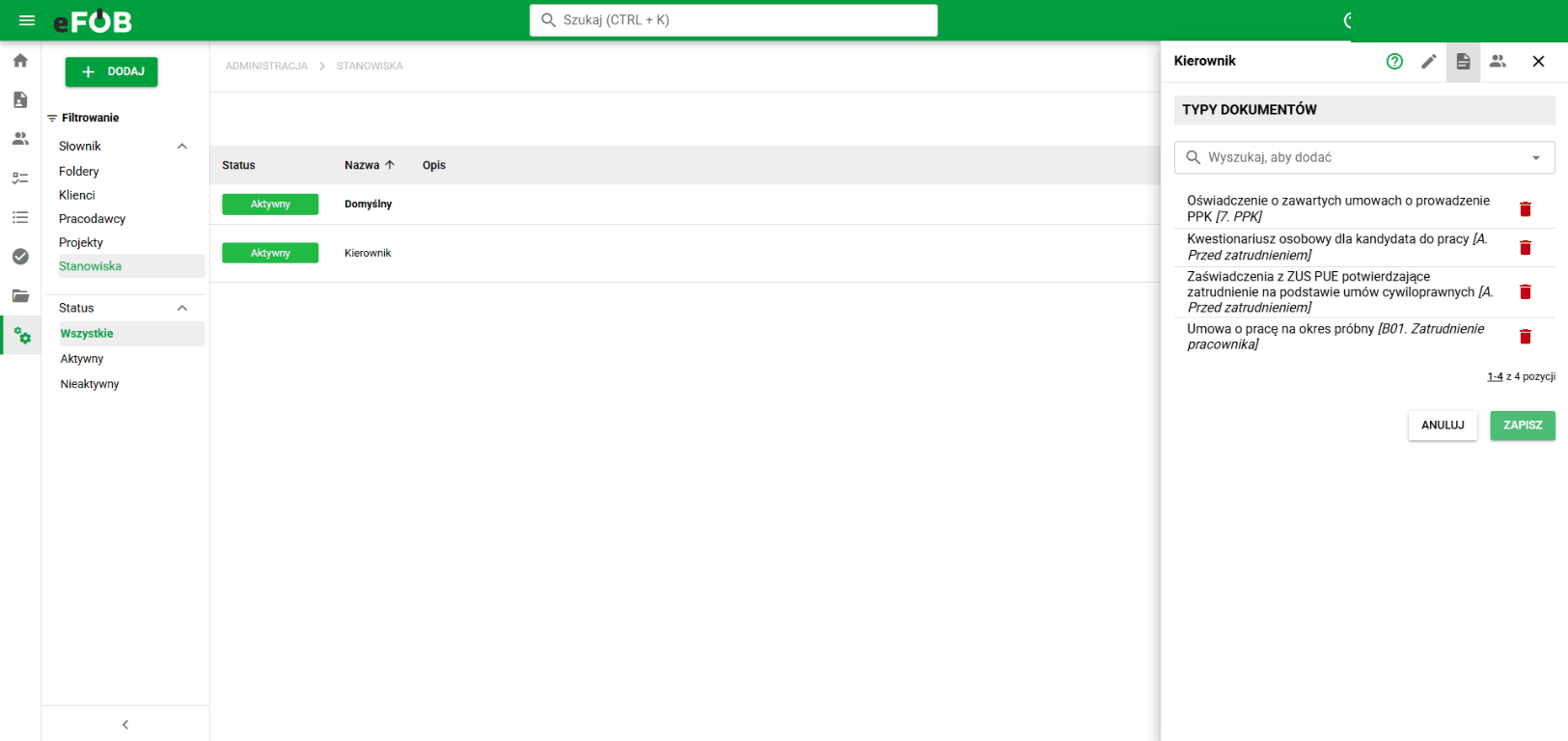
The position appears in the generator under Documents for position. Assigning a document type does not create its template or generate documents. For the next steps and the warning about replacing the current list, see generating documents for a position.