Dashboard
#Dashboard
eFOB admin is a module built into eFOB for managing data synchronization processes. Dashboard is the start screen of this module with the OVERVIEW tab displayed by default.
Filters
On both tabs, the Dashboard user can conveniently find data flows thanks to filters:
- Search – allows you to search for any text
- Status – concerns the status of data flow
- Schedule – applies to the type of data flow execution plan
- Customers – applies to companies for which data is synchronized
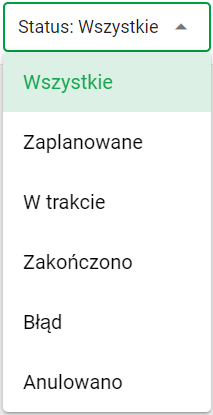
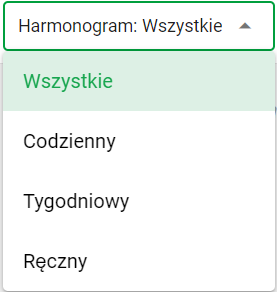
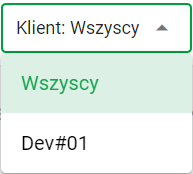
To apply a filter, the user selects the appropriate option from the schedule filter menu. After selection, the list of synchronization processes refreshes automatically, showing only those that meet the selected criteria.
OVERVIEW tab
The OVERVIEW tab offers users the following options: review of current data flows, their status and processing logs.
NOTE: Only the most recent data flows are available on the screen.
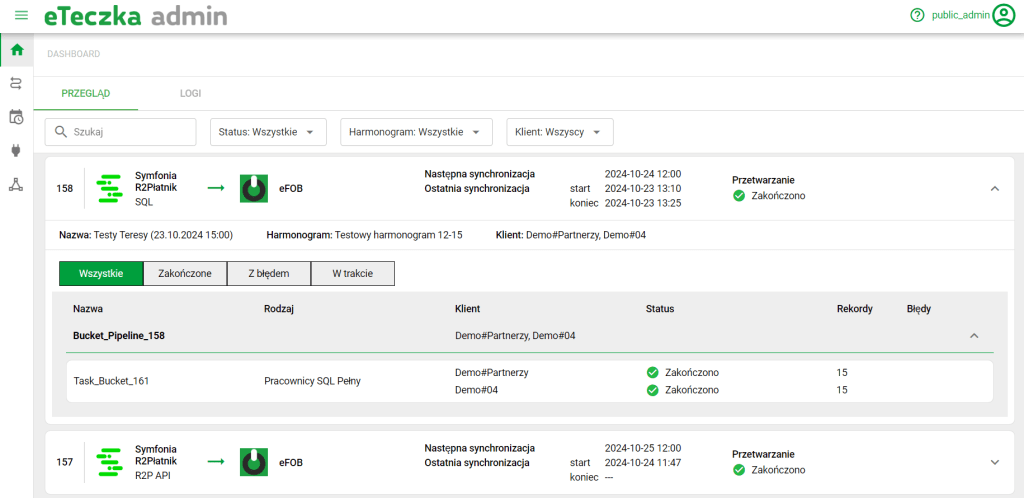
Window dashboard
LOGS tab
As in the case of REVIEW, here we can freely filter and display various types of data flows and their execution logs in the scope we are interested in.
NOTE: The LOGI screen contains current and historical data flow starts, so the screen shows a much larger range of data than the OVERVIEW tab.
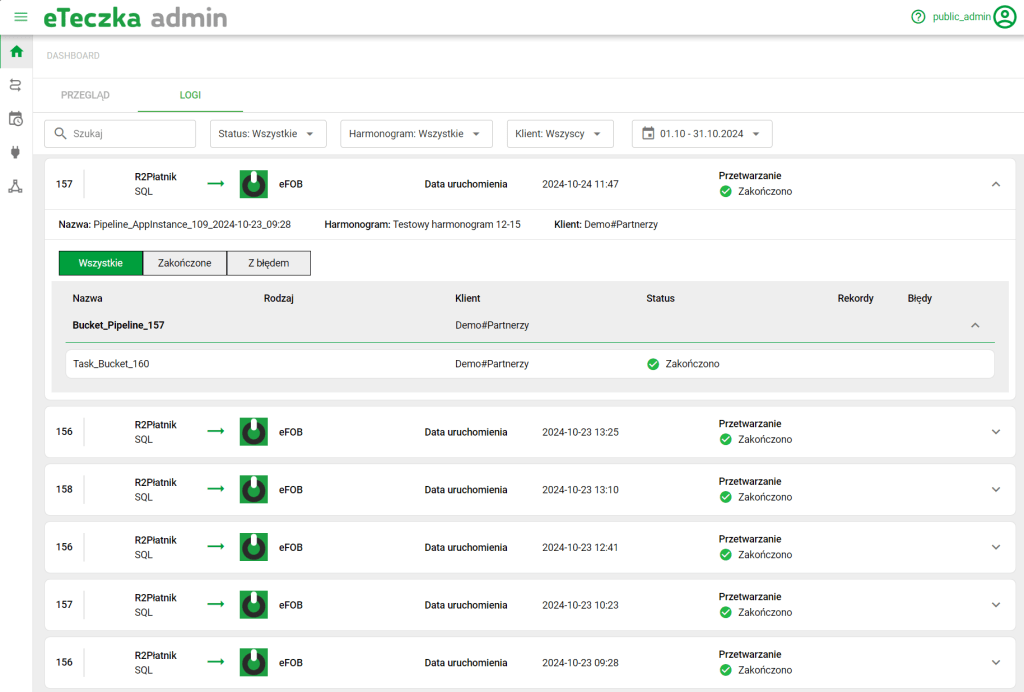
Log screen