Administration of employee residence addresses and their use in projects
Go to addresses
To go to address management, go to the administration panel and then select ADDRESS:
Addresses button
This will open a new window with a table summarizing the addresses entered so far:
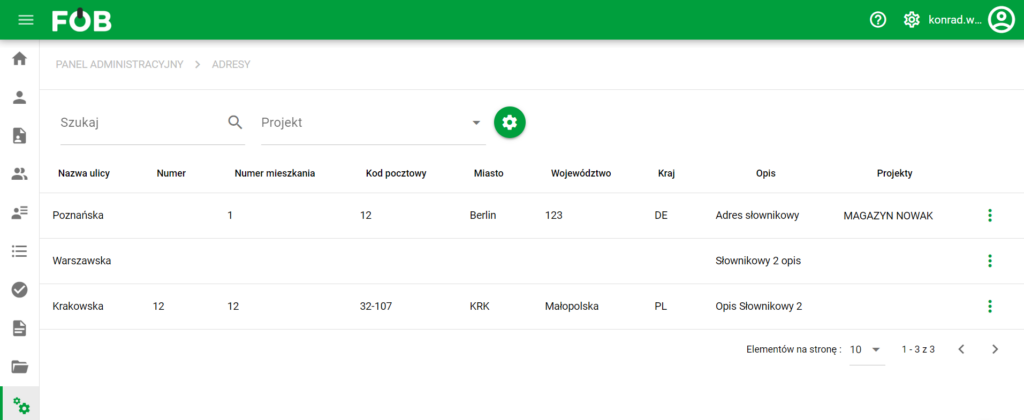
Address table
Adding an address
To add a new address, find the green PLUS button at the bottom of the screen:

Add button
It will open a new window:
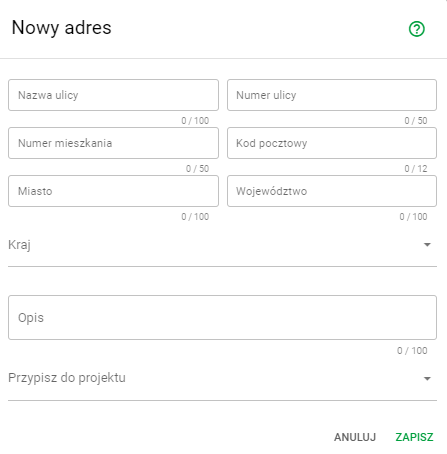
Address window
Here we enter the data we are interested in and we can assign the address we create to one of the existing projects
Edit address
To edit an existing address, click on the record you are interested in in the address table on the first page or select the THREE DOTS button at the end of the record and then the following items:

Address edit button
This will open an edit window that looks like this:
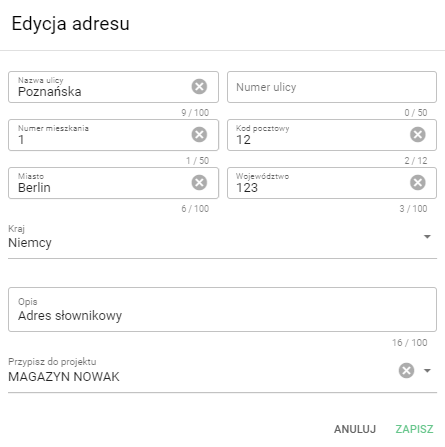
Address editing window
After making changes, click the green button SAVE